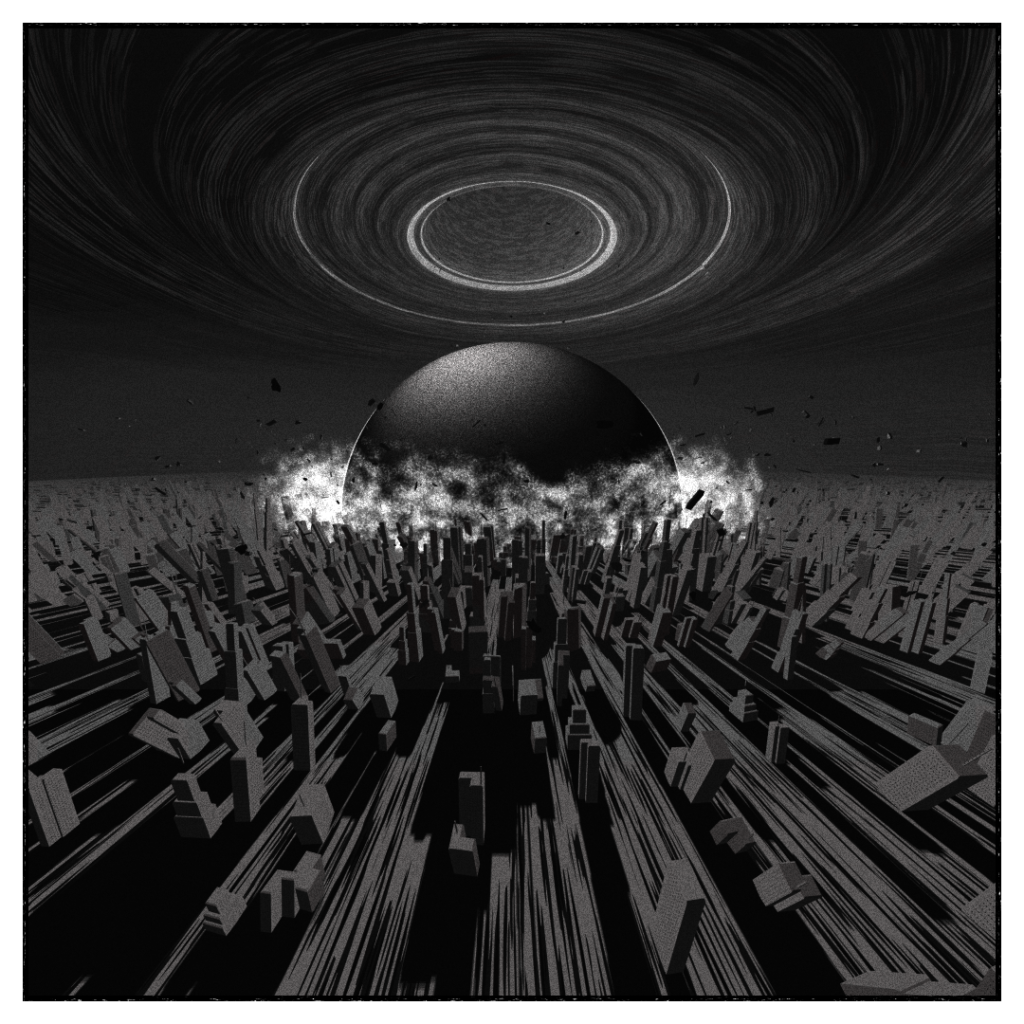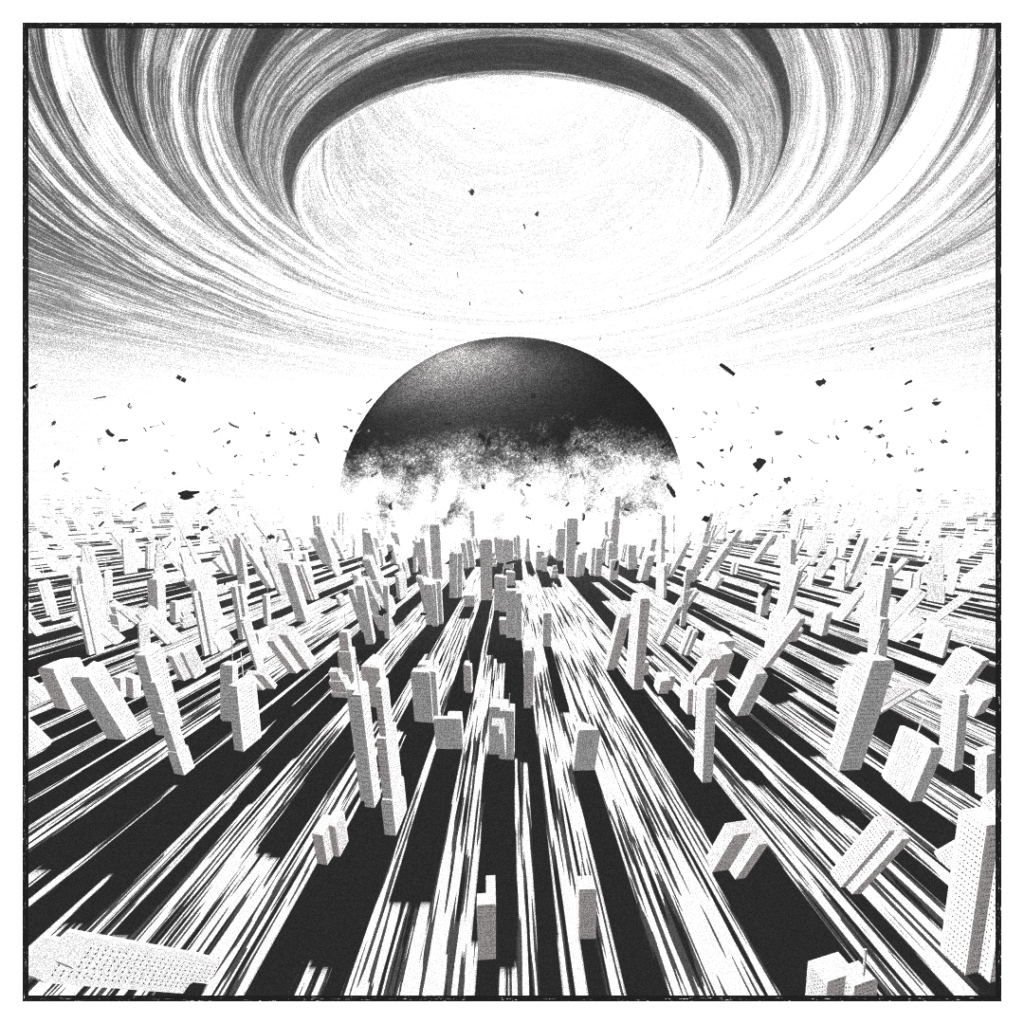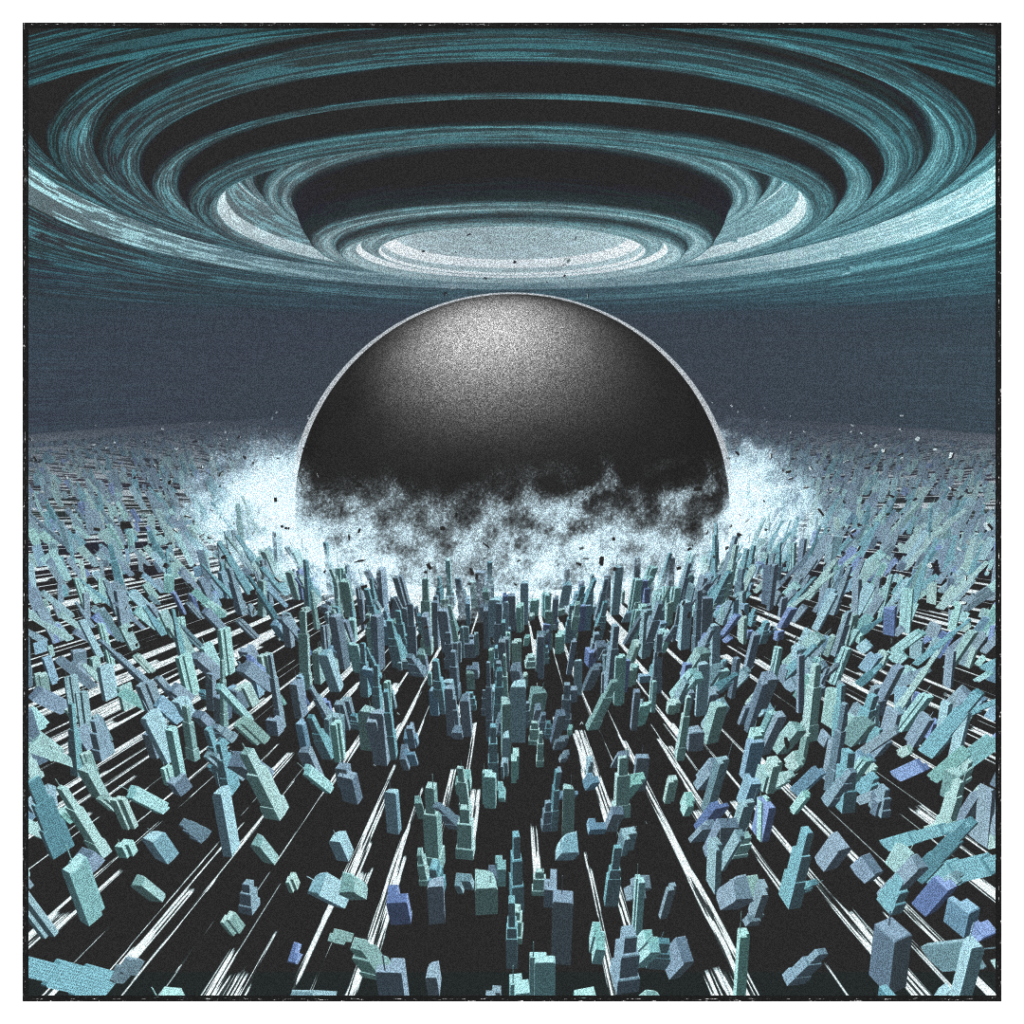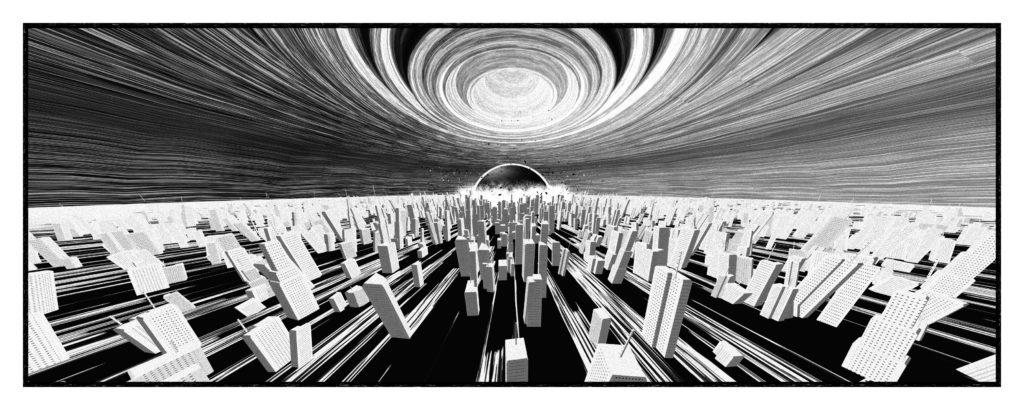
[This article is a wip, and may be updated in the future]
The project
Akira by Katsuhiro Otomo.
A global landmark in the shaping of the Cyberpunk genre, and a watershed title for the medium.
I got my hands on the tankōbon(s) more than 20 years ago and those pages upon pages at the end of the third one depicting the destruction of Neo-Tokyo stayed with me ever since. Pages of stunning destruction, leaving me in awe.
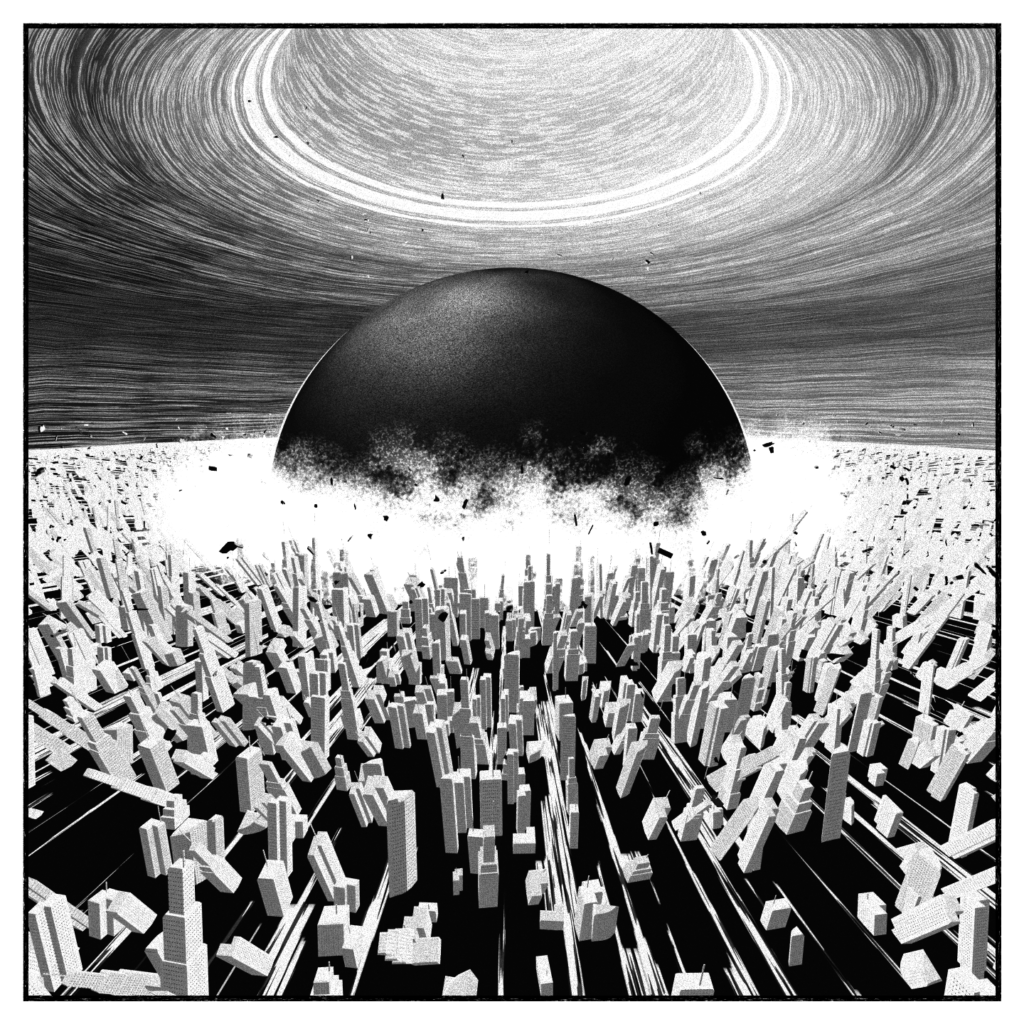
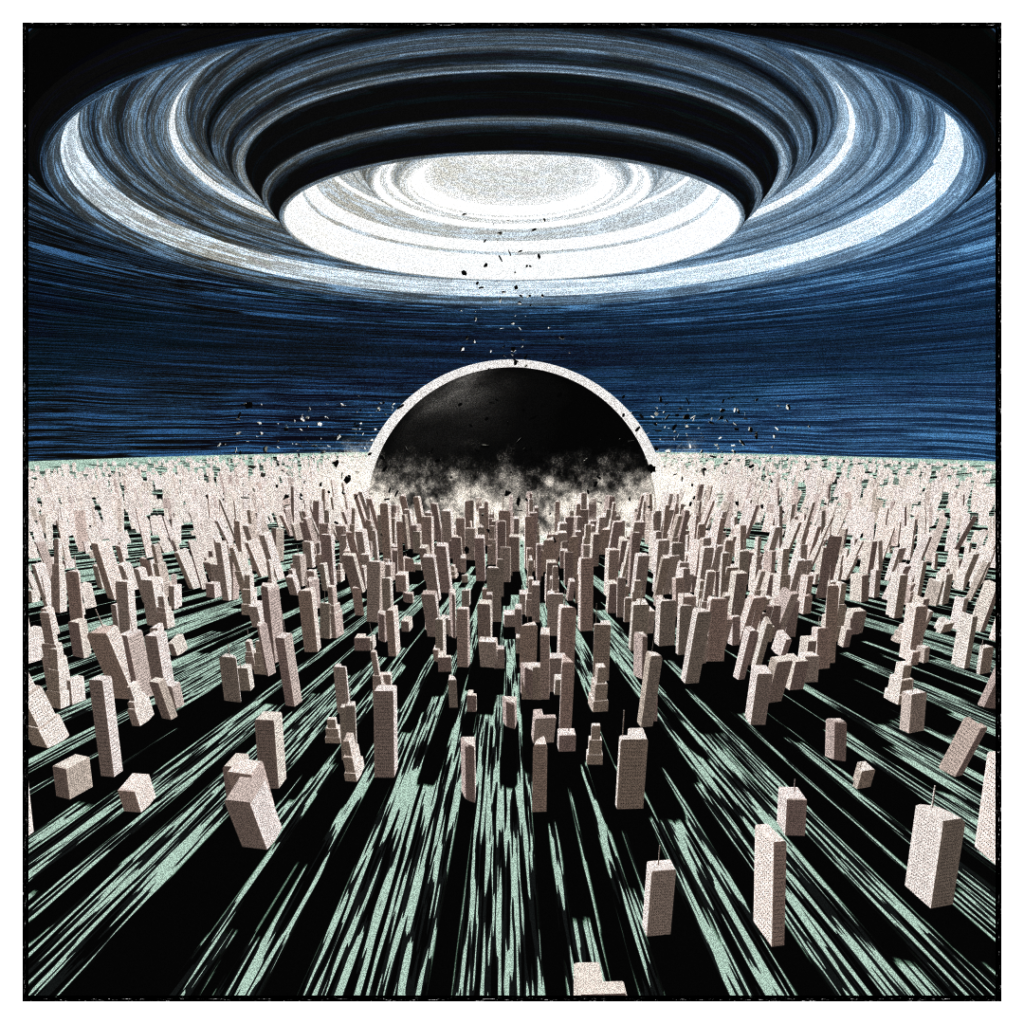
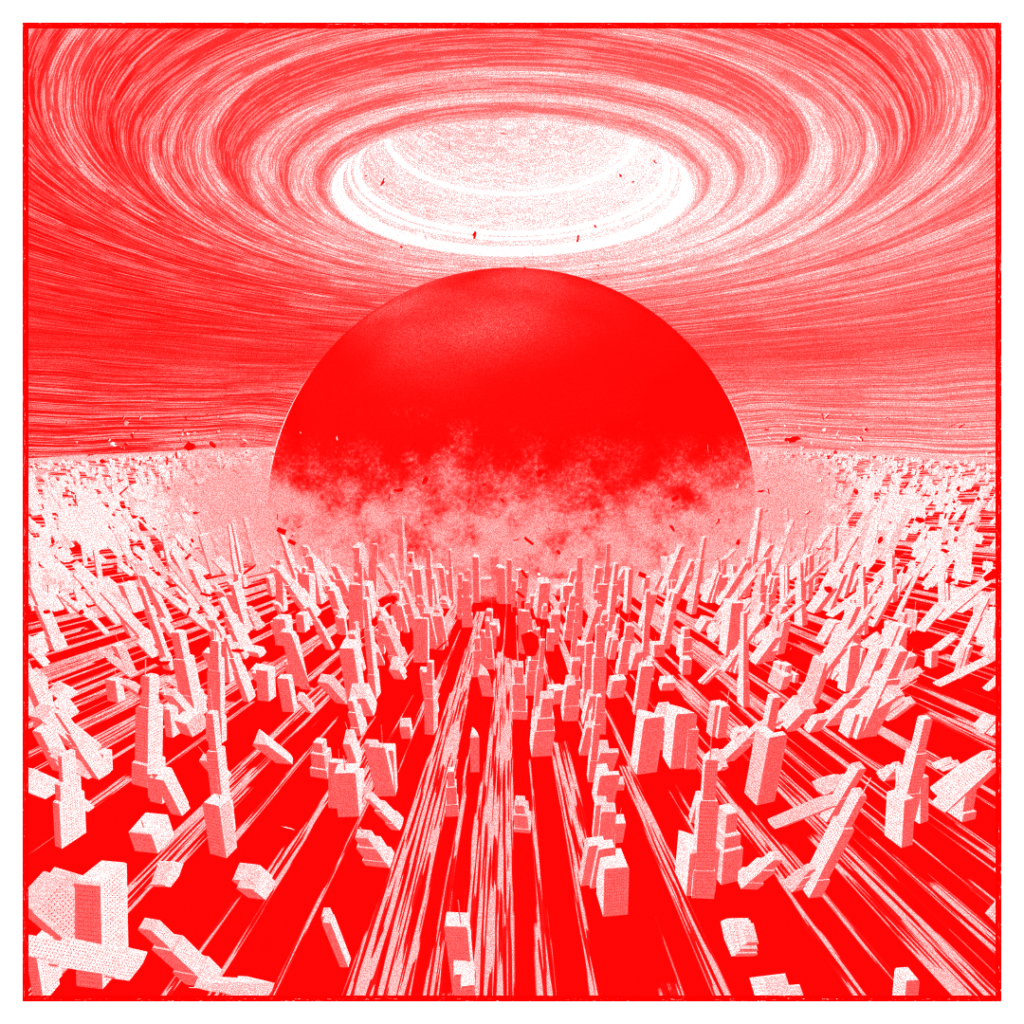
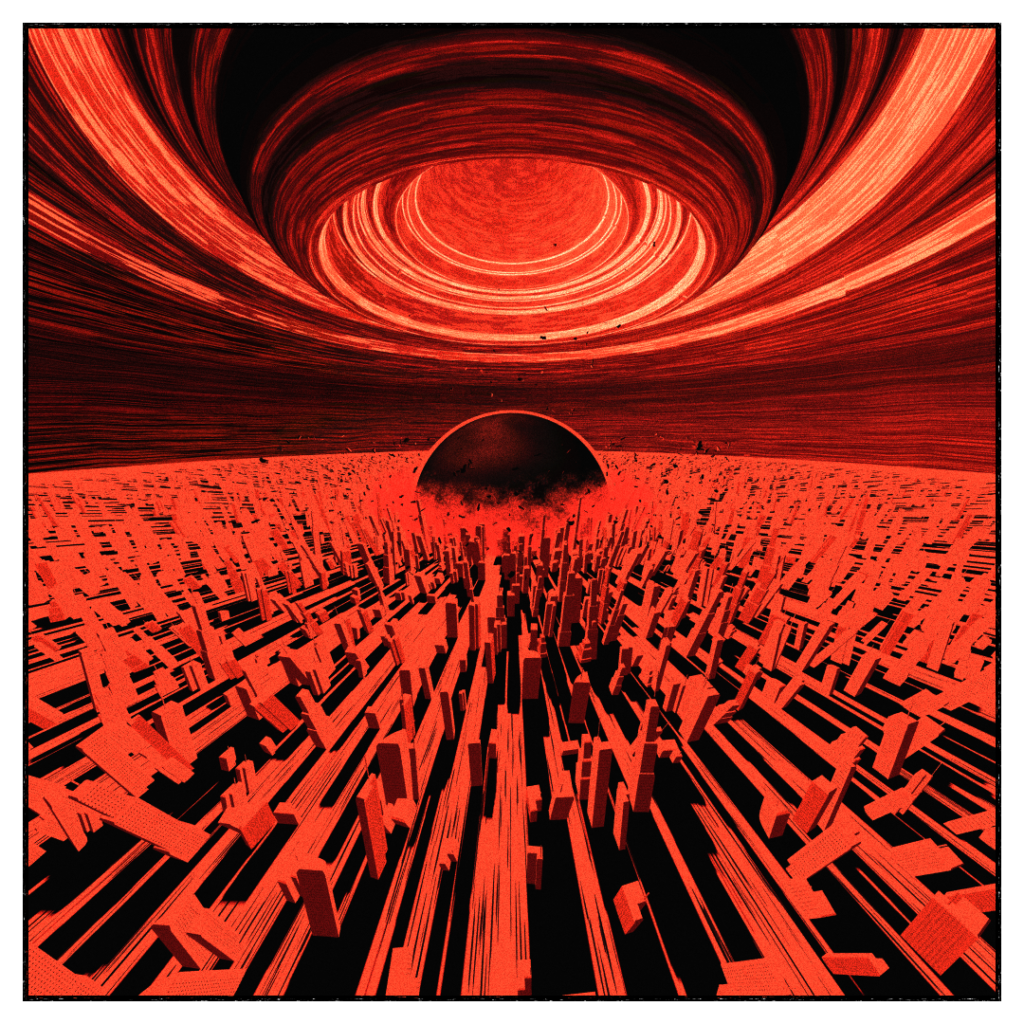
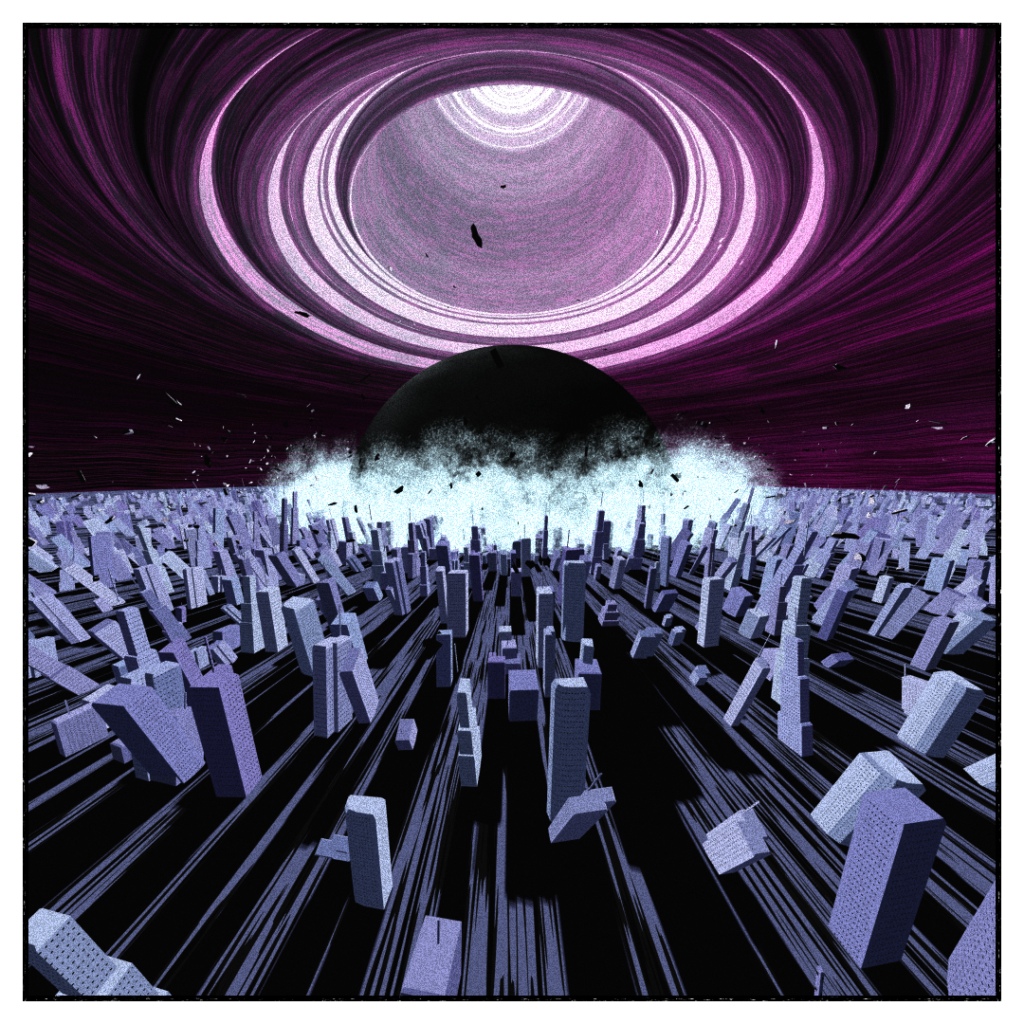
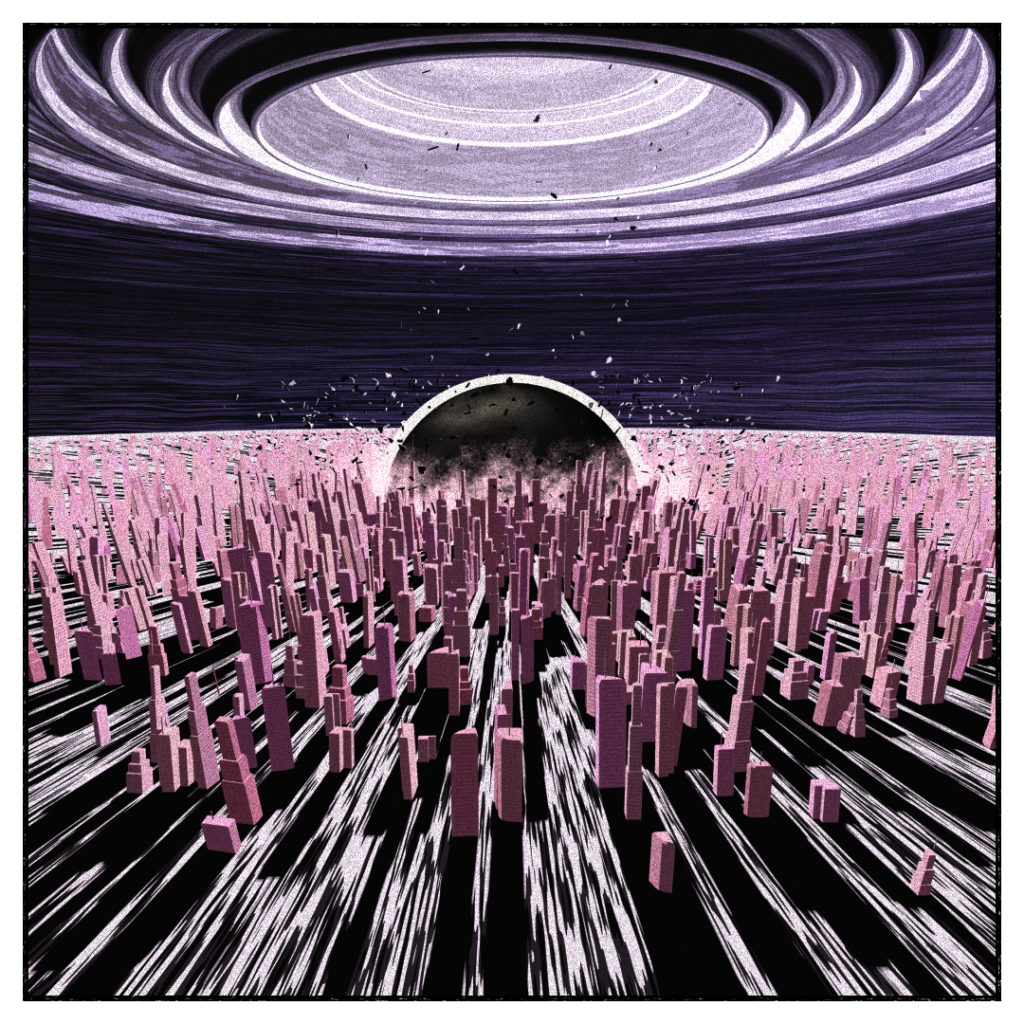
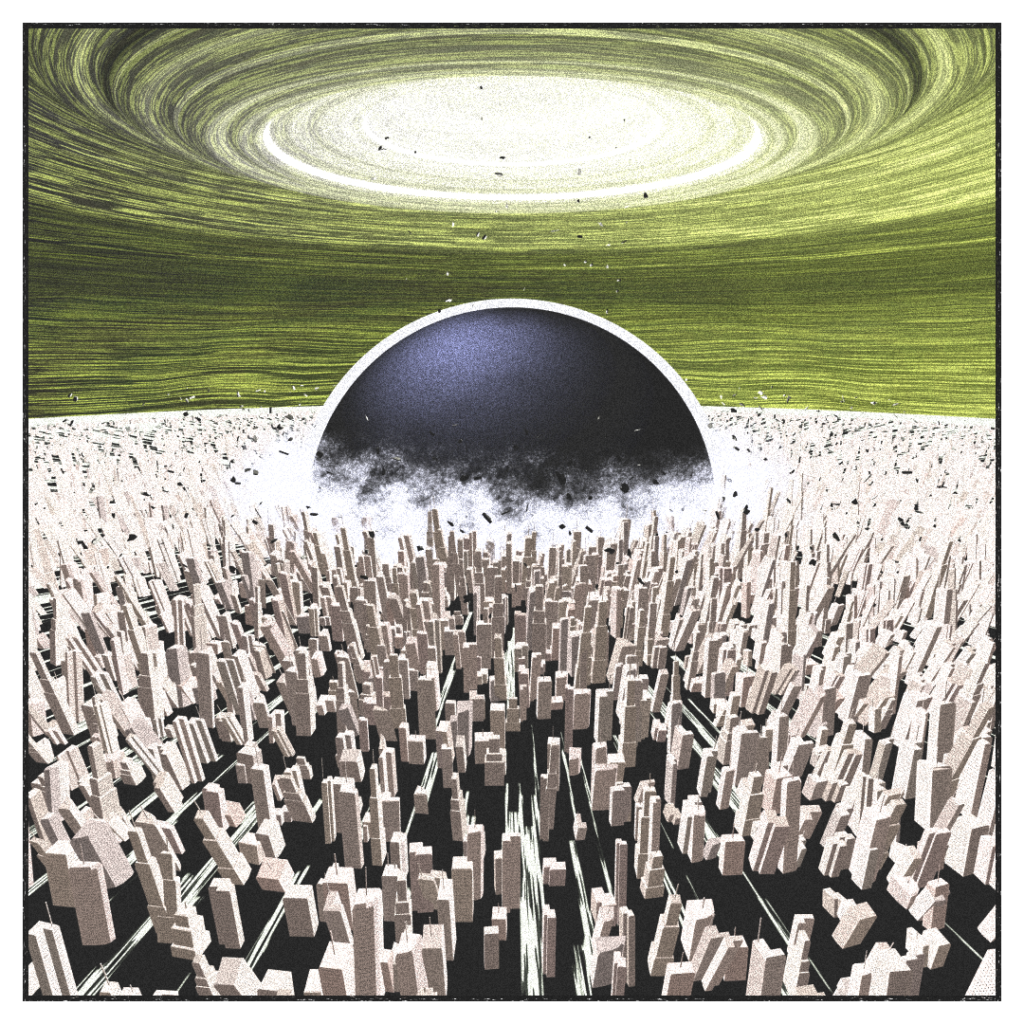
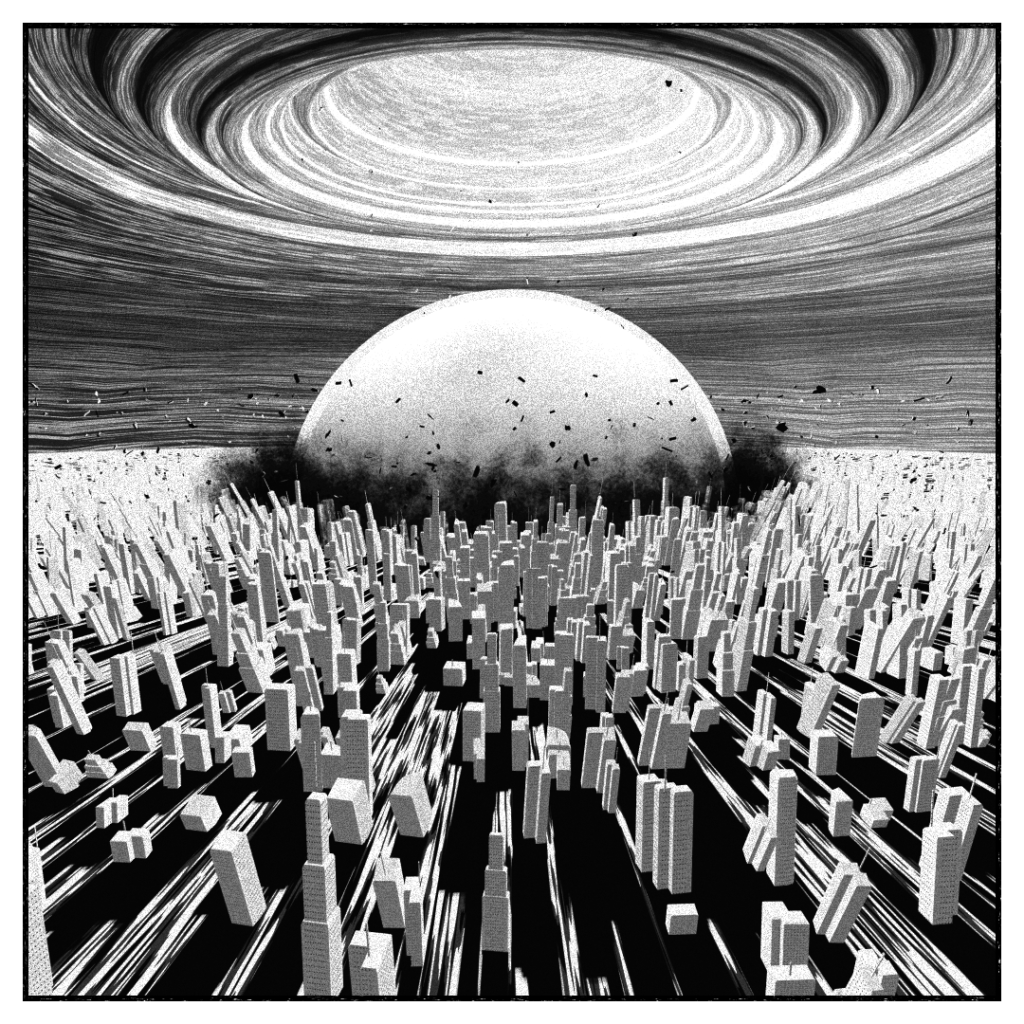
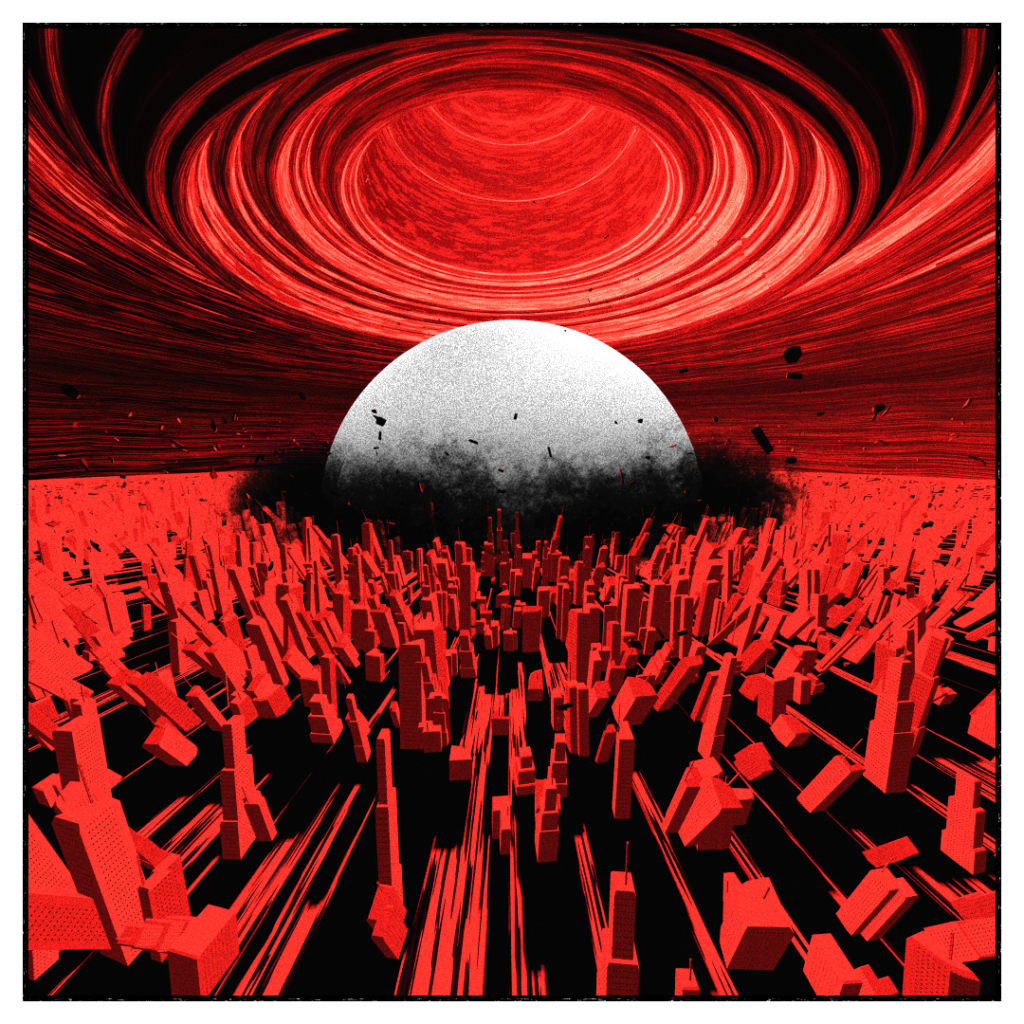
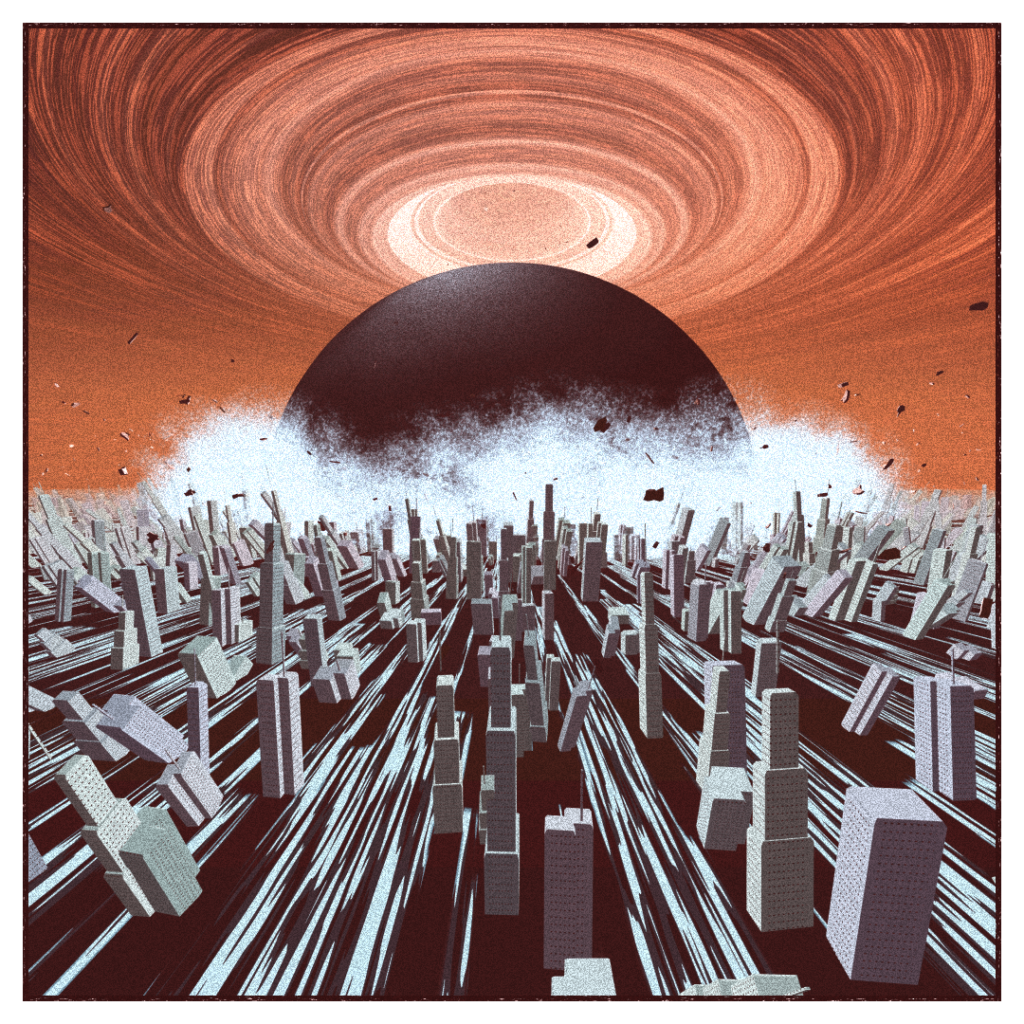
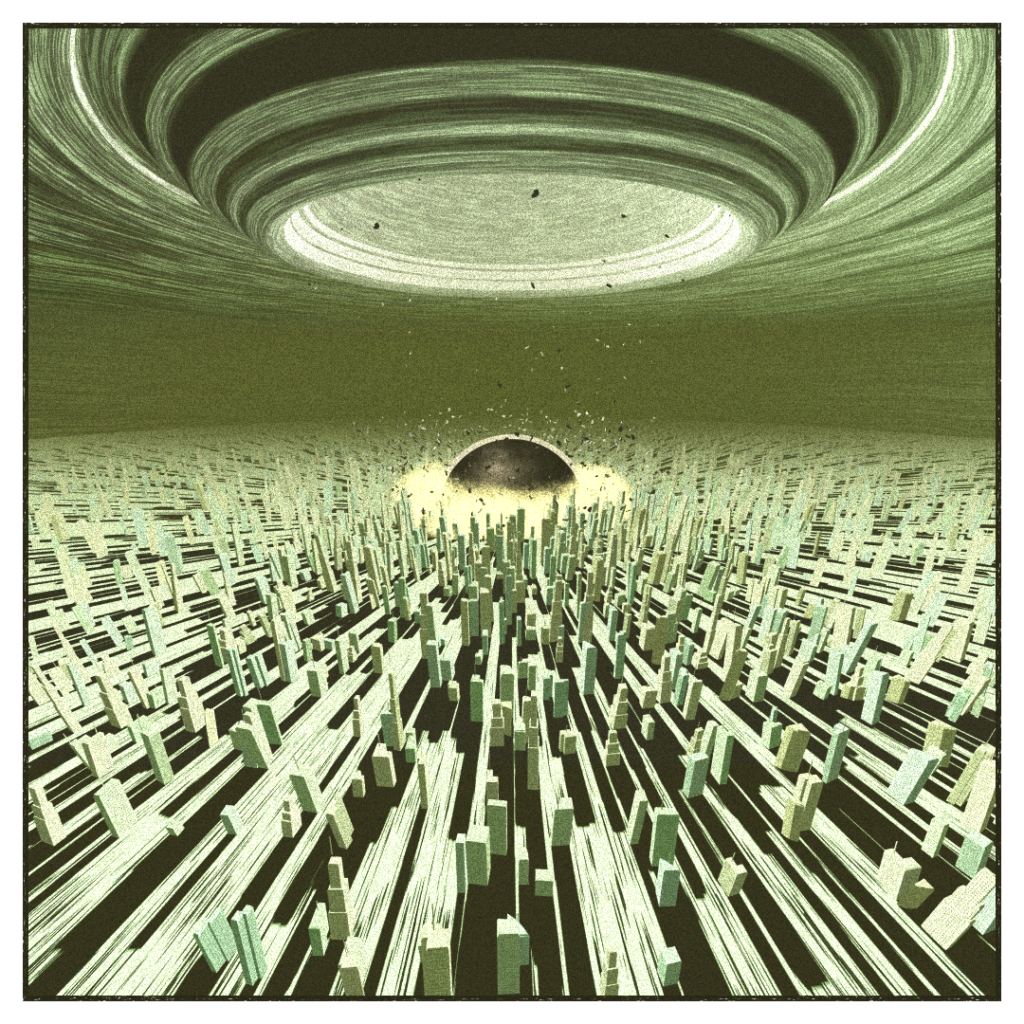
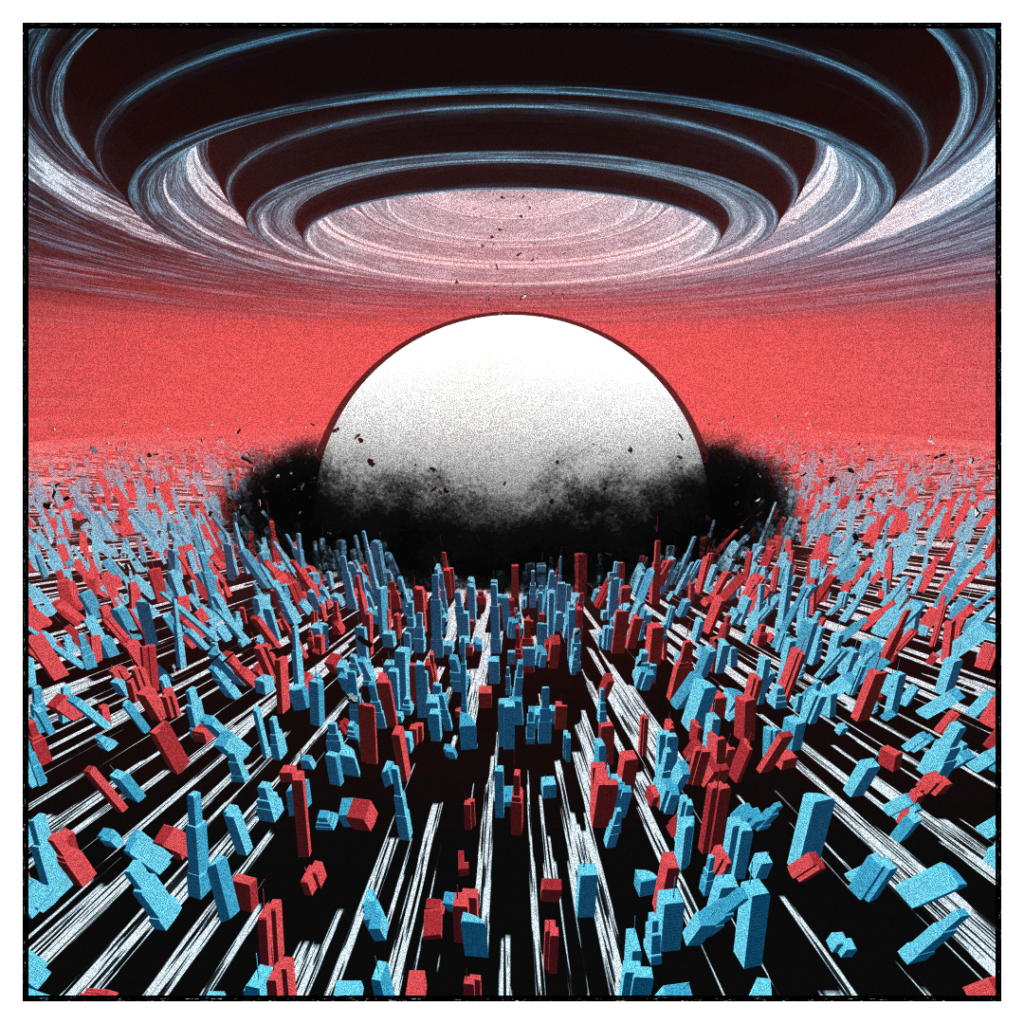
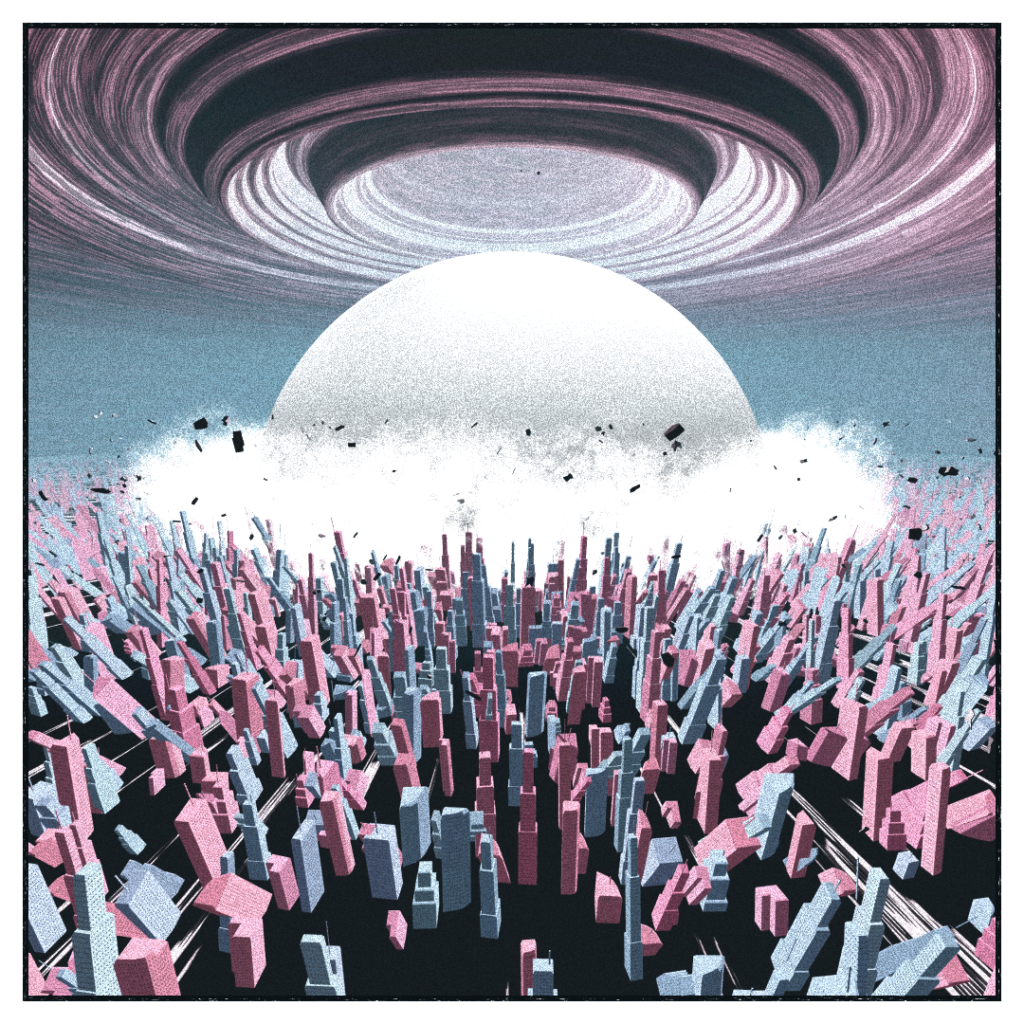
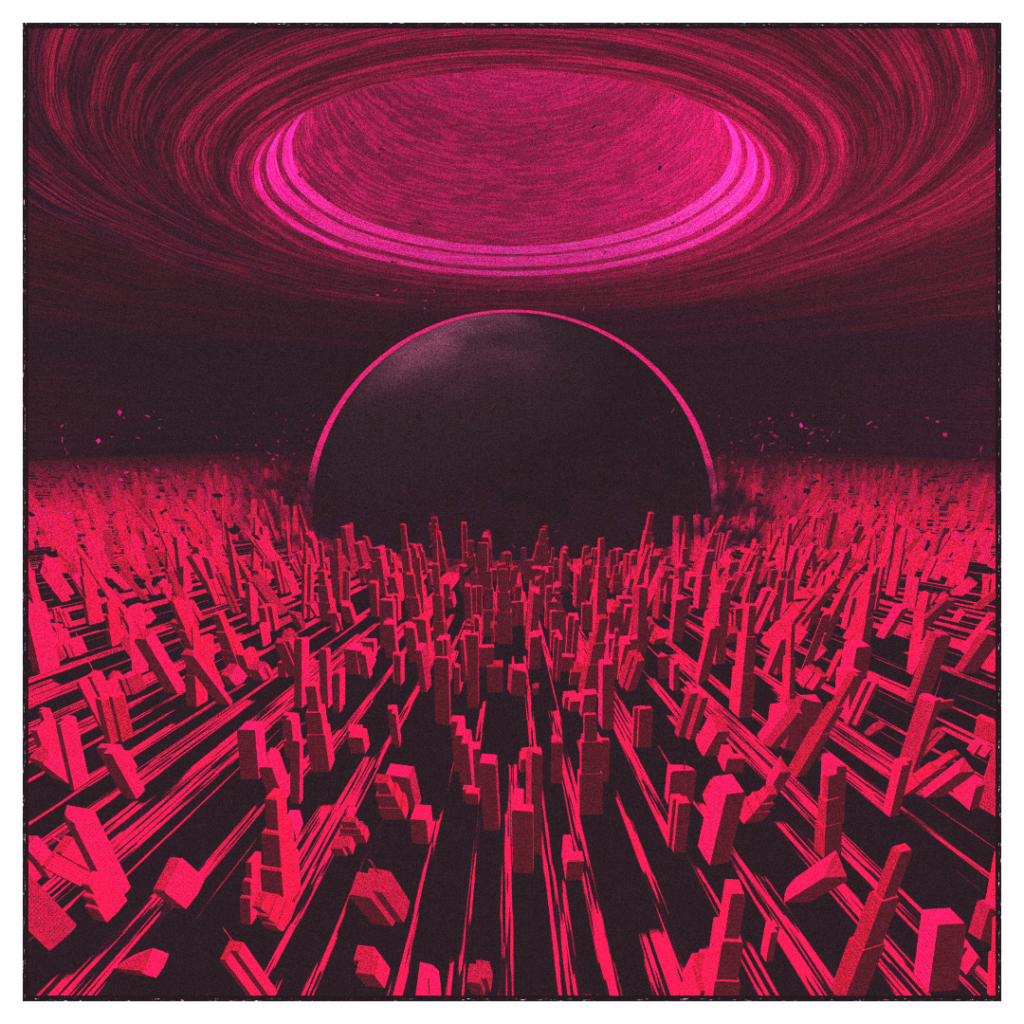
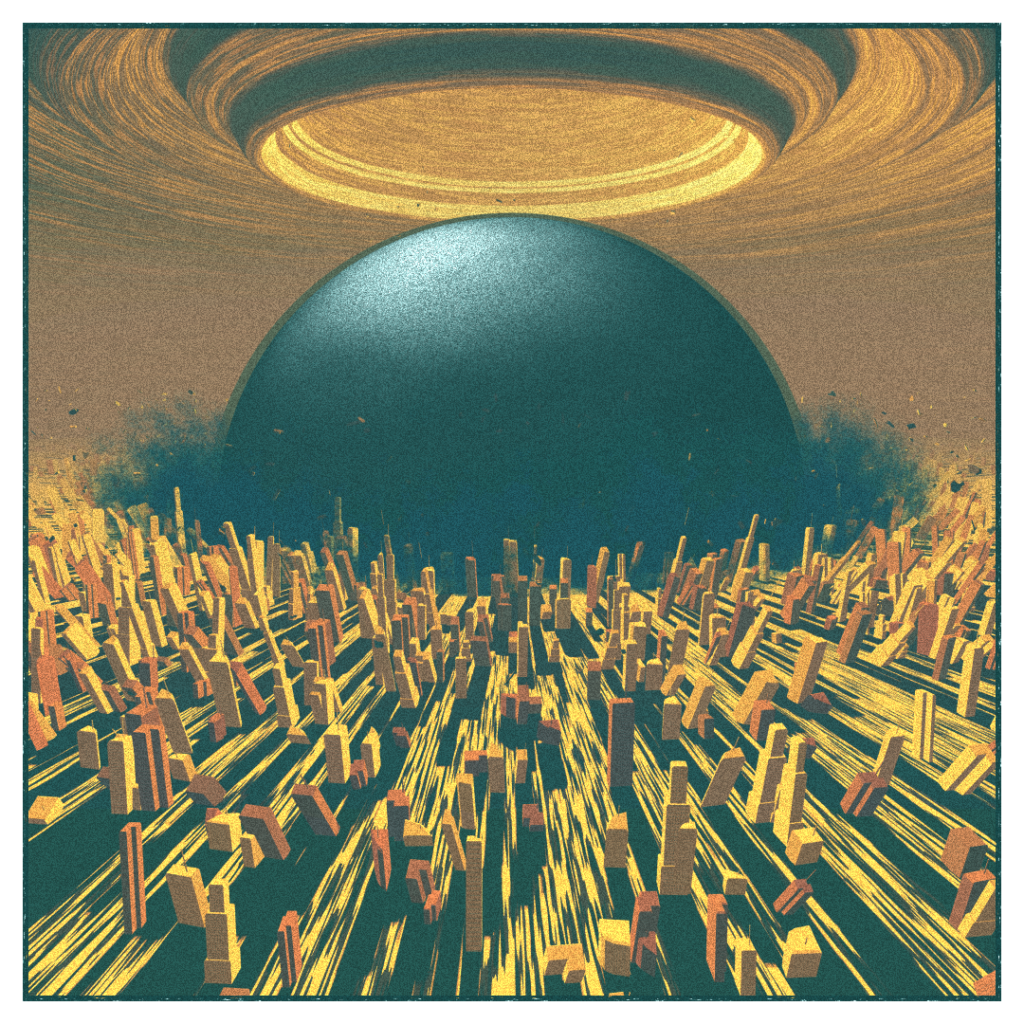
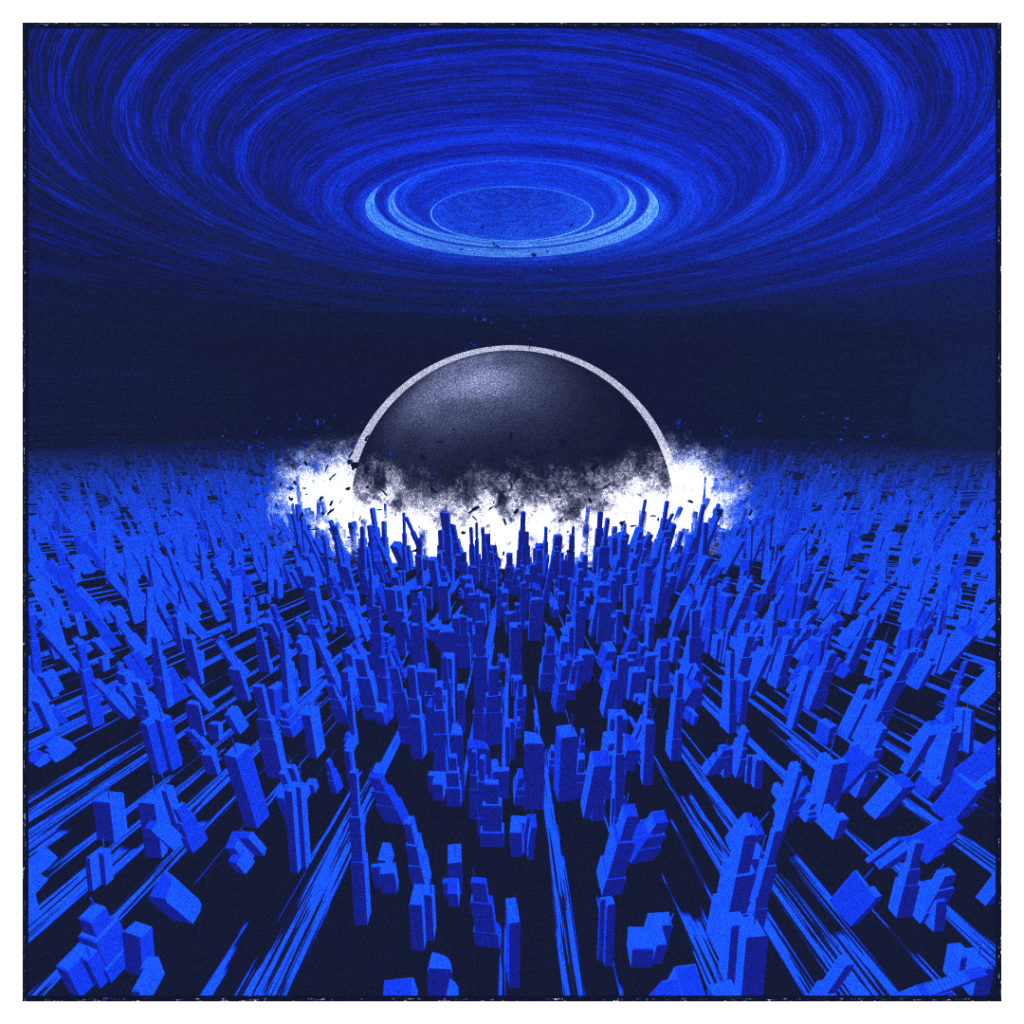
This is my generative take on the subject. An attempt to evoke the power of the original in a cohesive collection.
What started as just decent prototype quickly shifted to an attempt to produce a decent generator on a shorter lifecycle than i’m used to, while maintenaining the “quality” (entirely self-evaluated) of the piece. In part just to see if I could do it, and also to try reduce the pressure and the tunnel vision I can get when working too long on the same thing.
This article is mostly a technical breakdown of the generator, the procedures and techniques used and more details on the variations used. A basic knowledge of realtime 3D and programming terms is recommended.
Technical Breakdown
General
For this project, i’m still working with three.js. The idea is easier to compose in 3d, i’m begining to have some automatism with the engine, and the shorter projects lifecycle meant it was not the project to try a new approach. In the future I might look at Babylon, and kinda want to revisit Unity’s WebGL player wich I havn’t evaluated in a long time.
I used this library for my random calls wrapper rather than code my own wonky one. Simple and effective.
I also switch to typescript for this one, in an attempt to reduce time spent on syntax errors. I took a light approach to type enforcing, mostly because i’m still very shaky on my javascript knowledge. Still seemed to be worth it in the end.
The whole thing is packaged with webpack and based on the recommended boilerplate code from fxhash.
As with my previous fxhash releases, this is mostly a 2D piece, but I left some access to the camera for the curious collectors.
Scene / Lighting
The scene is lit with a single PointLight, placed in the explosion itself. Aside from just lighting, its second role is to cast shadows of the buldings, and the self-shadowing of the sky.
The camera is placed at a position that depends on its field of view and on the seeded aspect ratio. The wider the aspect ratio, the more chance there is that the camera will be off-center.
A general exponential fog is applied to the scene, mostly to ease the transition between the ground, the clouds, and the sky, and add some coloring options.
Sky
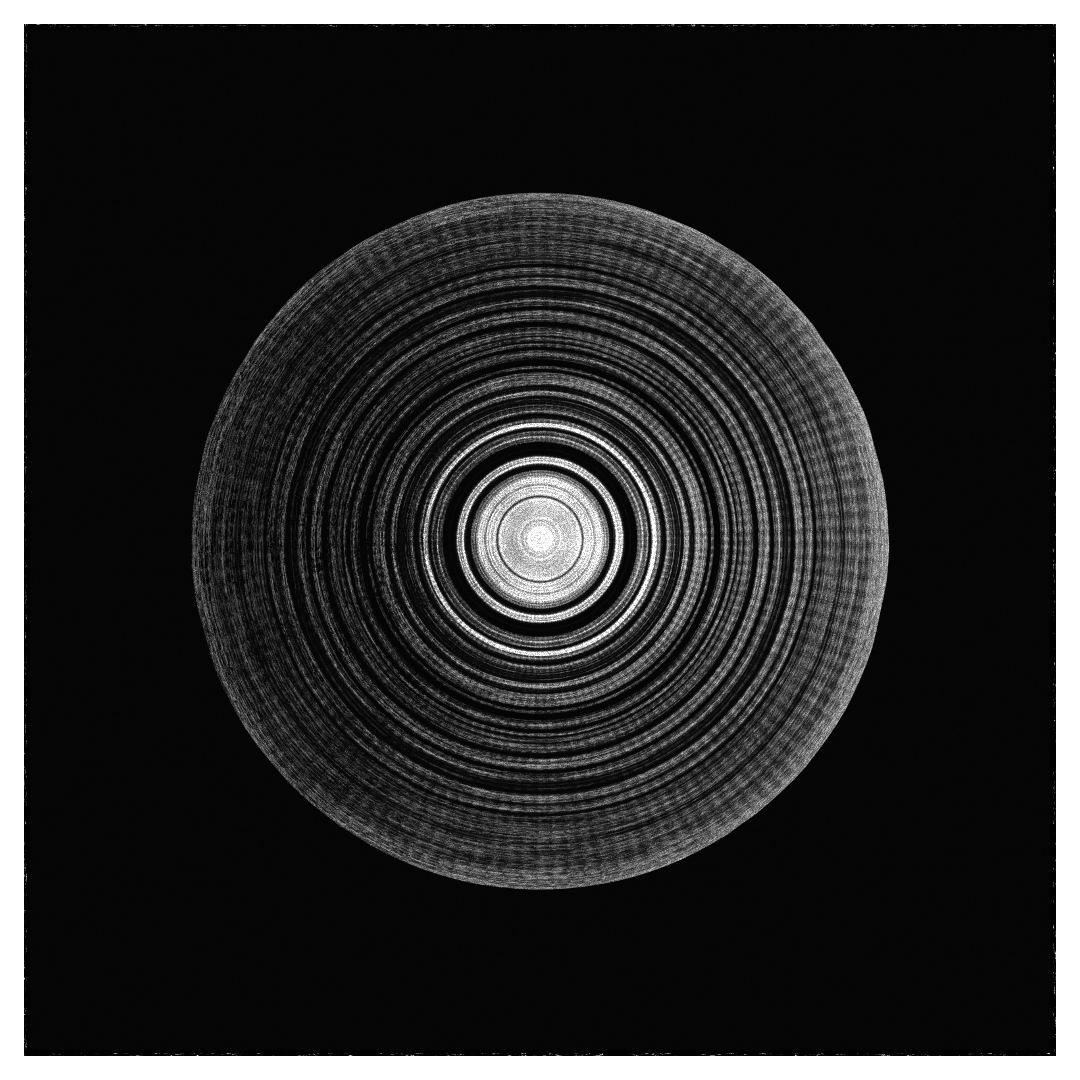
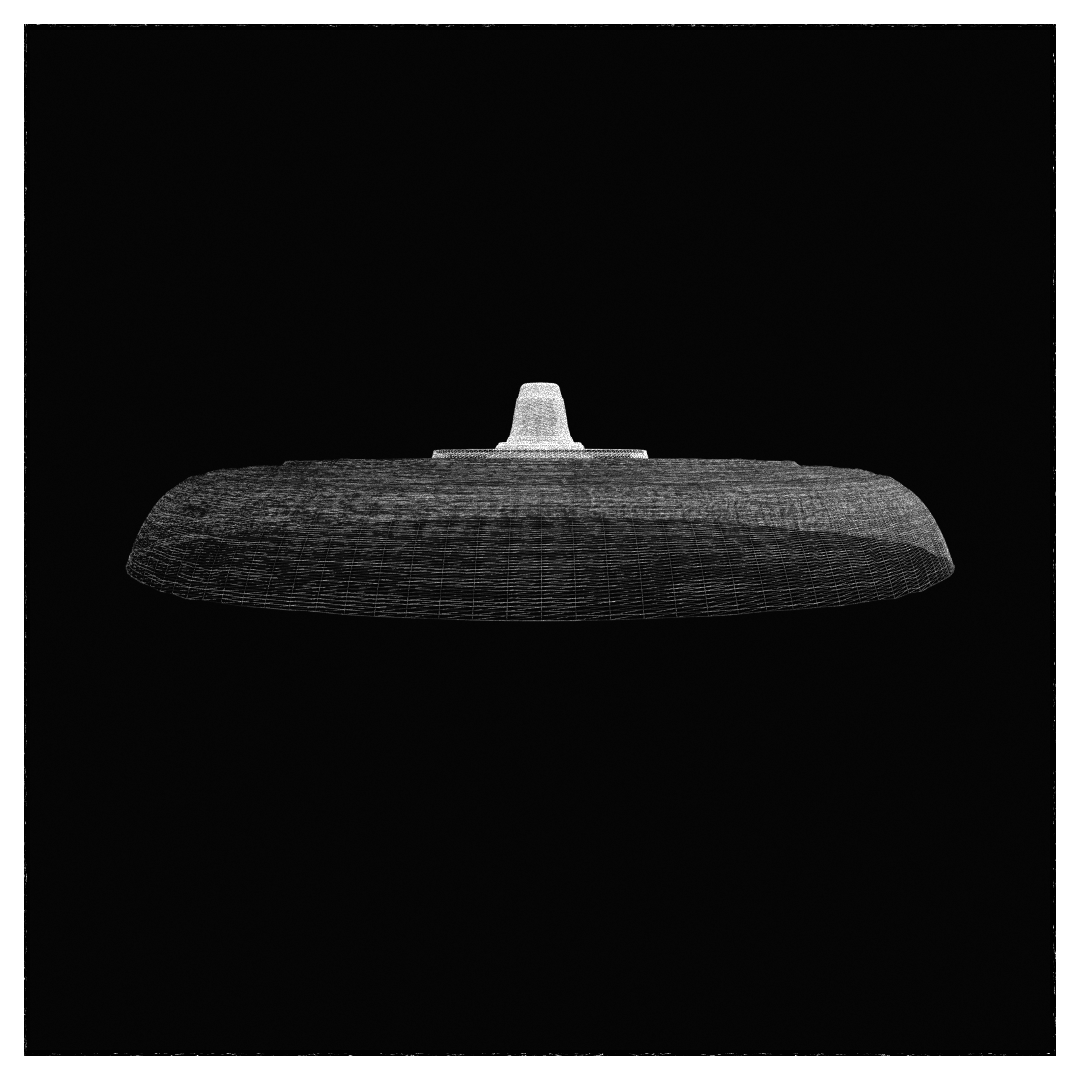
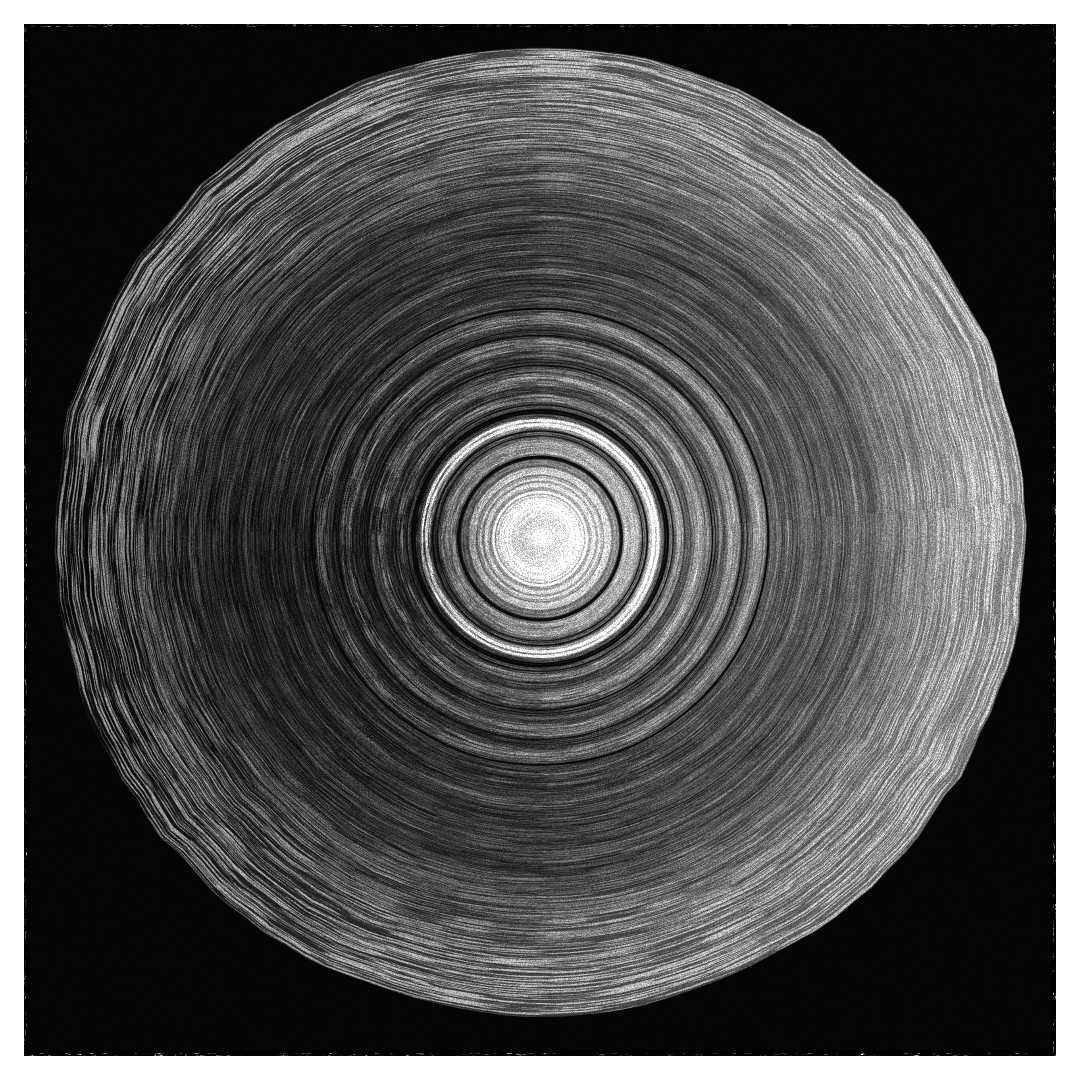
I started working on the project with the sky vortex. I first wrote a class for what i called a radial plane but probably has a better name : a flat plane of radially distributed quads.
Here’s some pictures that are probably clearer :
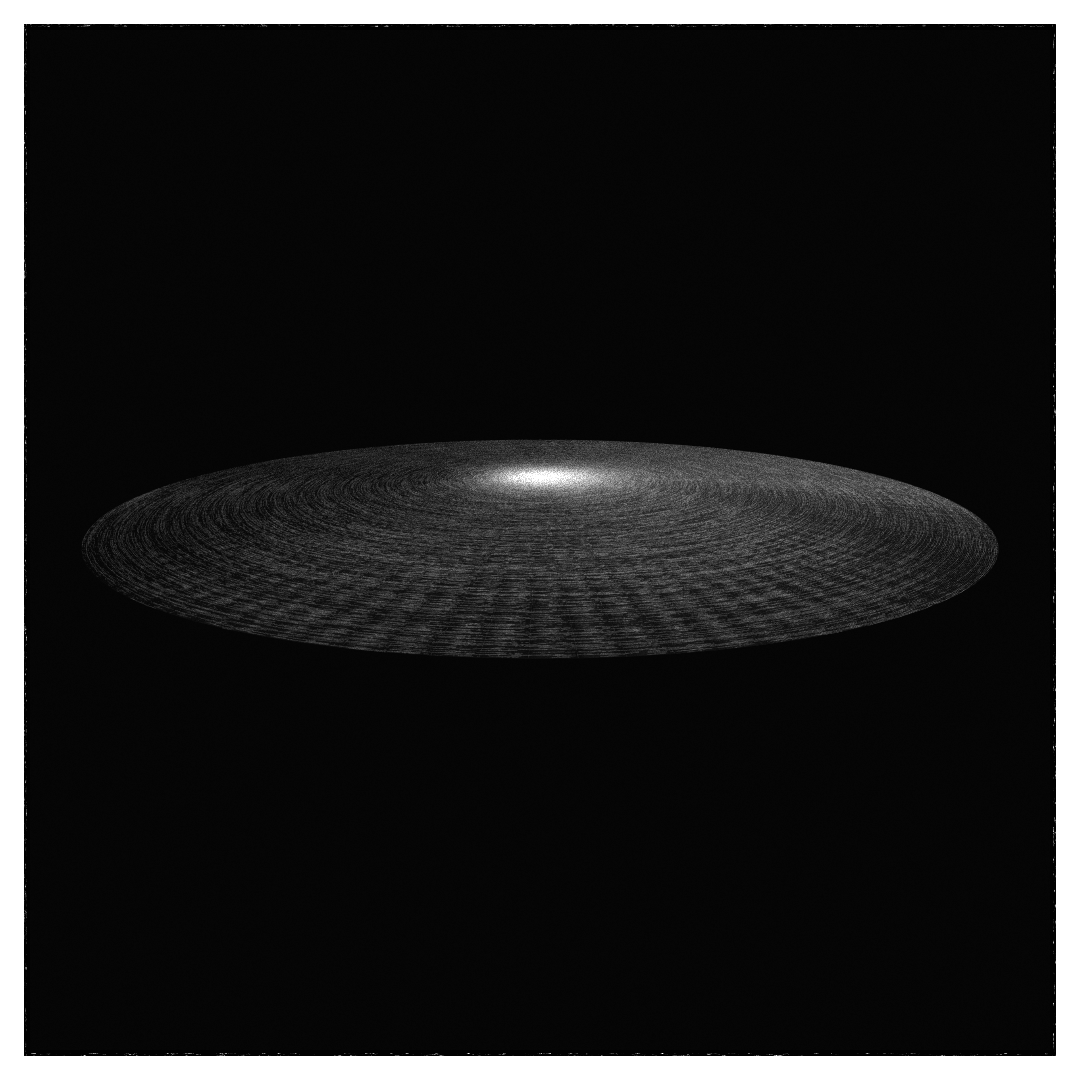
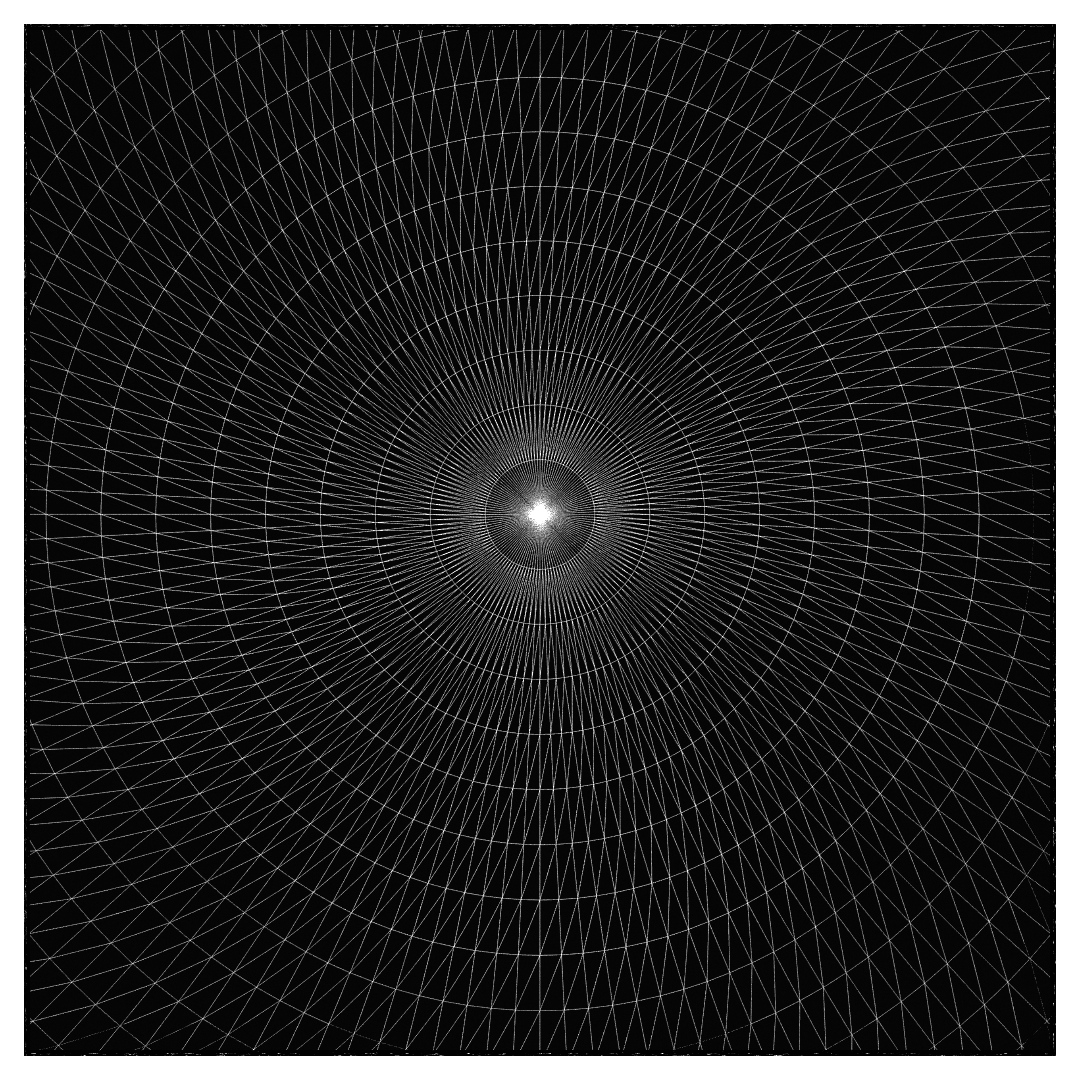
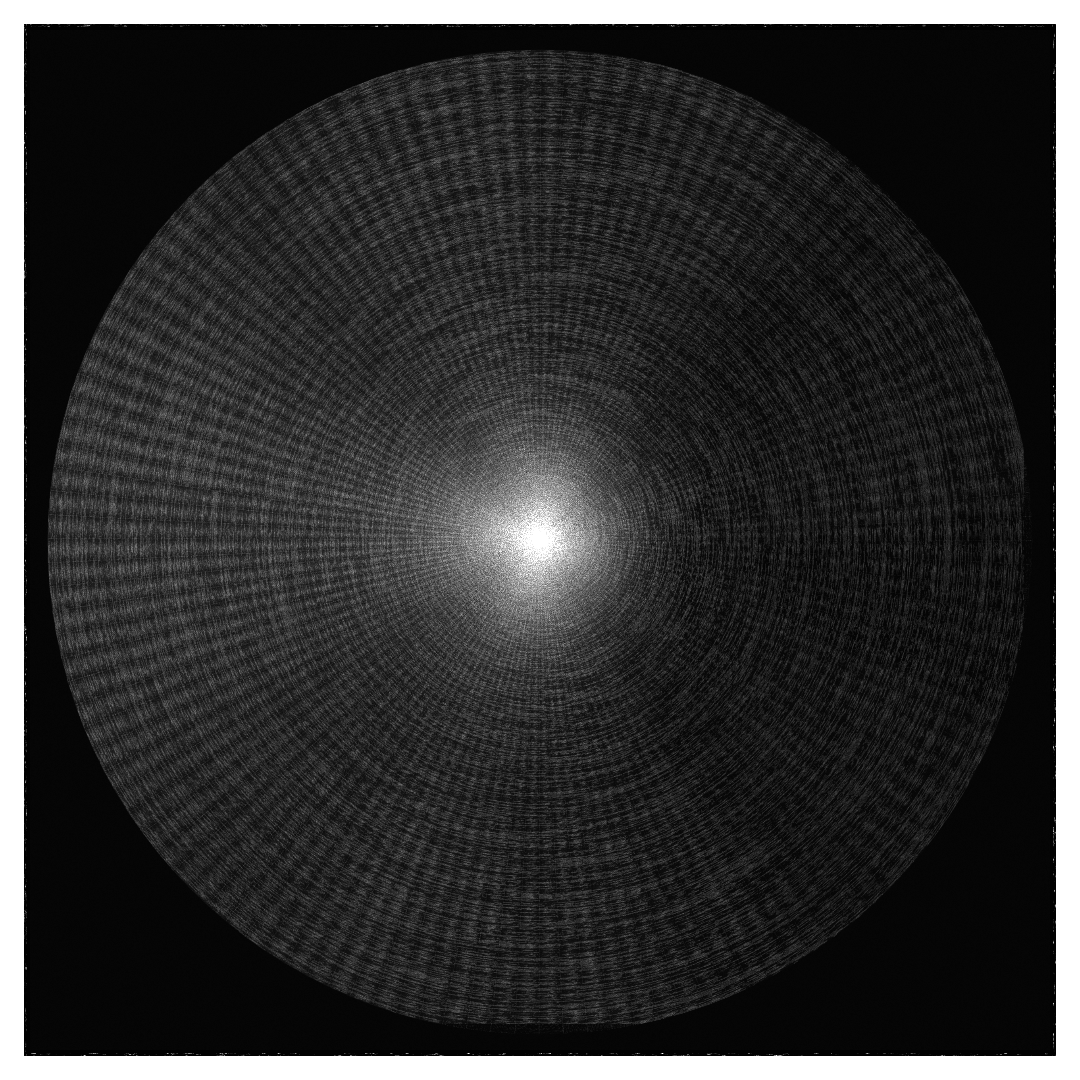
Here’s the code, might be useful to someone : RadialPlaneGeometry.ts
The one used in the scene has 128 rows of 512 quads, so pretty highly detailed. The UVs are also defined radially, with U the being the angle over TAU, and V the normalized distance from the center.
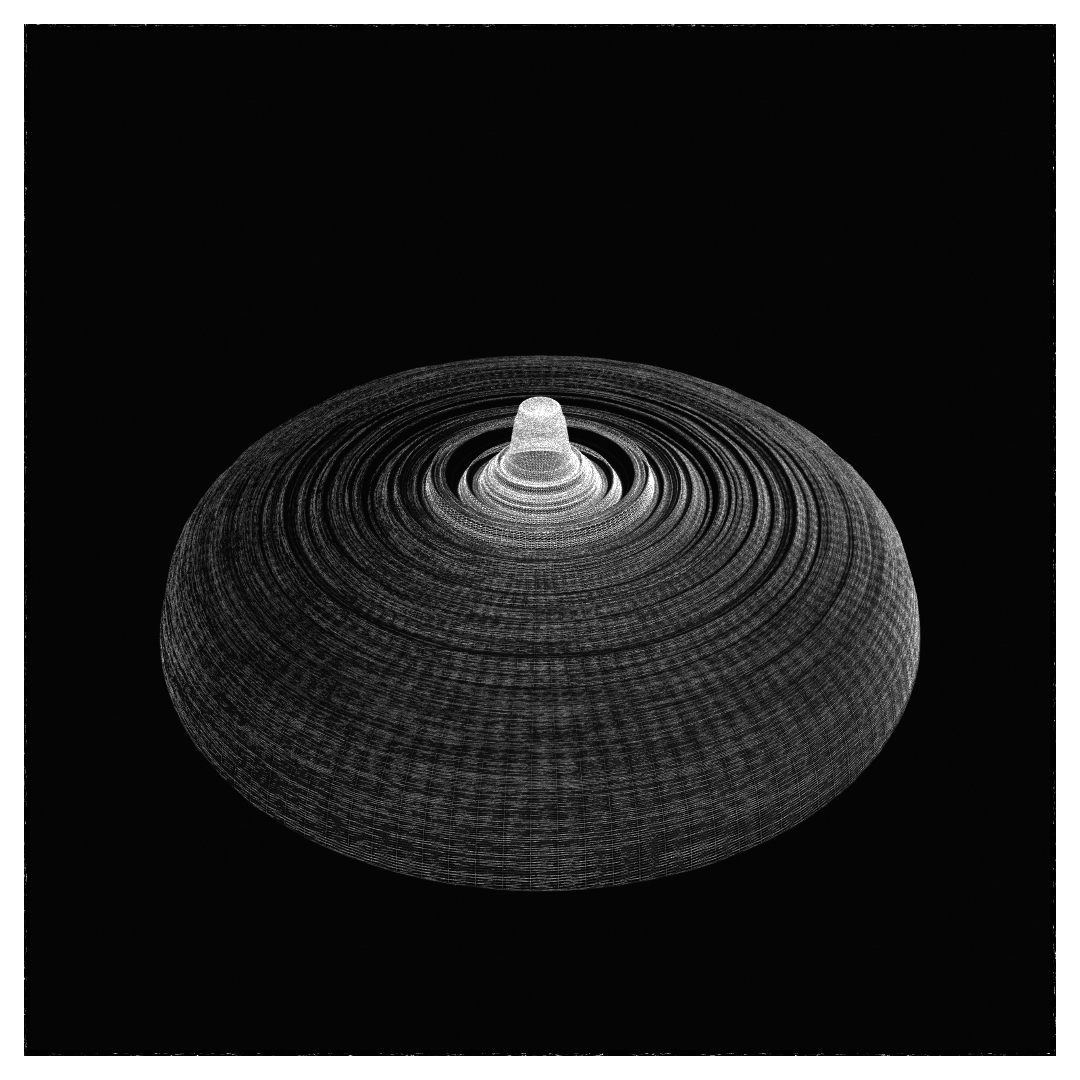
This object is then deformed, again radially, depending on the distance from the centre : first with randomised power curves, to get what can only be described as boob-shaped object. This is then compounded with two simplex noises, one high frequency and one lower, with randomized parameters, to create some big and small waves to play with the light.
I use this for my JS simplex needs : https://www.npmjs.com/package/@webvoxel/fast-simplex-noise
And I always use some form of those functions : https://iquilezles.org/articles/functions/
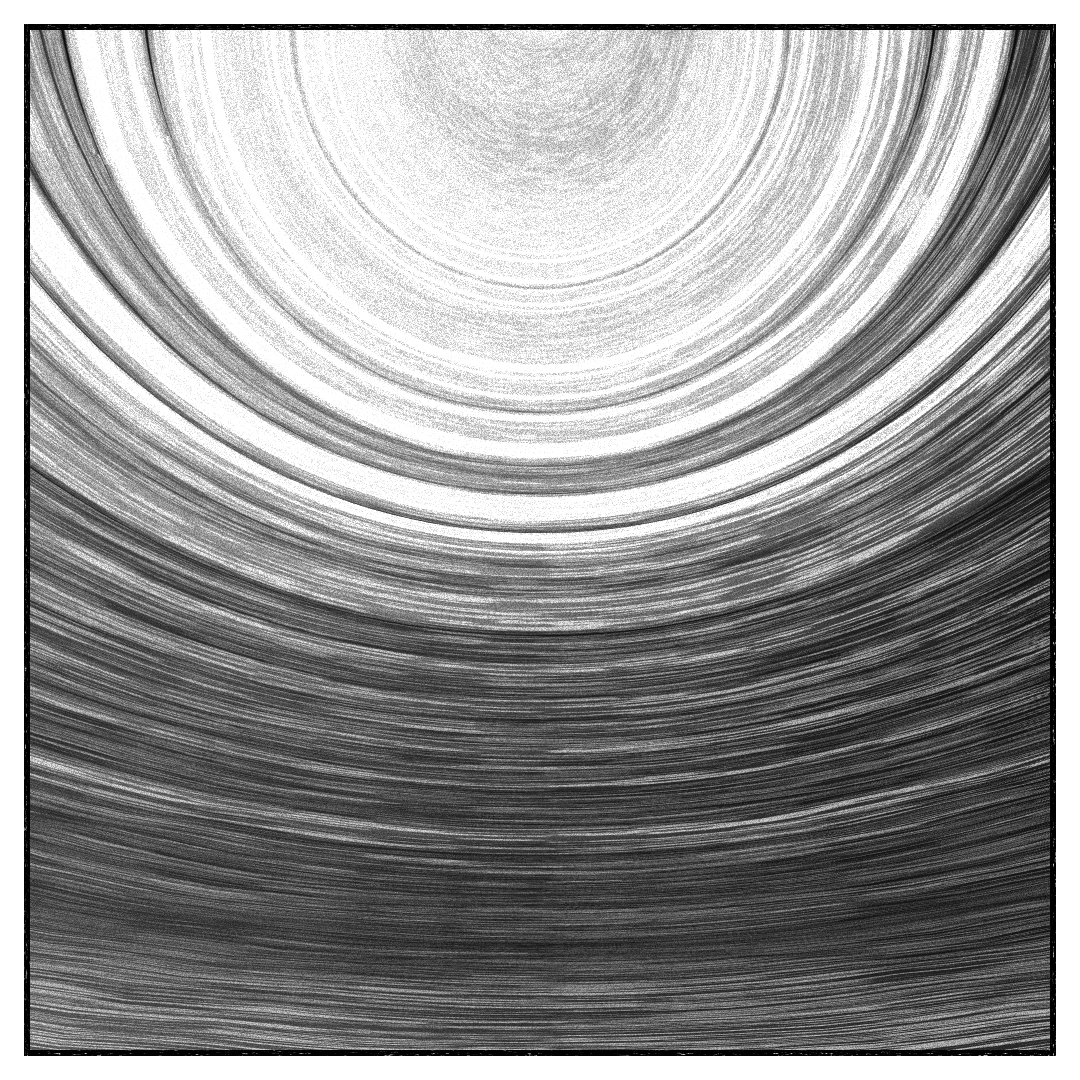
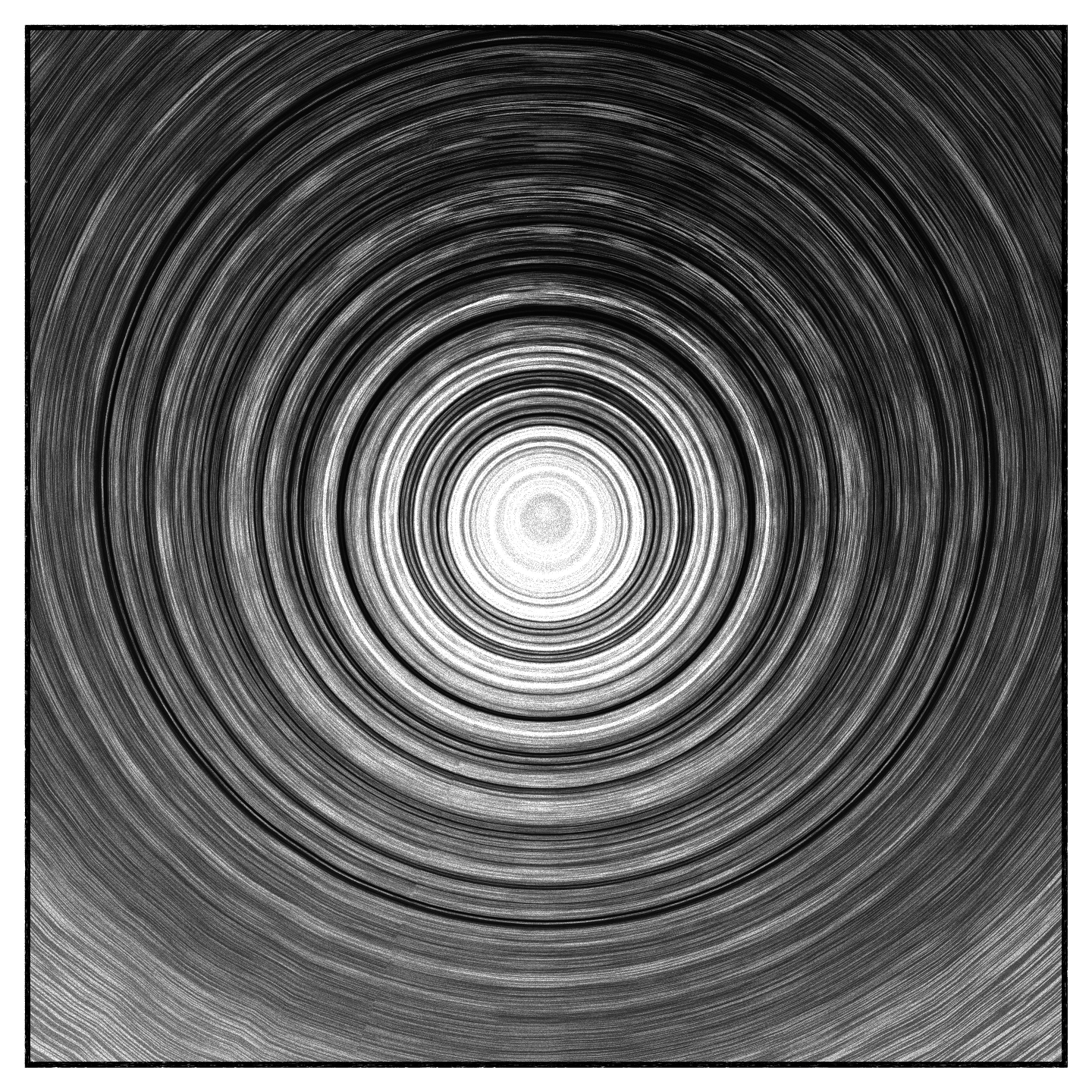
The shading extends the default MeshToonMaterial with a custom nearly flat 3 tone ramp, with some gradients around the limits. This produces the three main tones of the sky with the lighting of the scene and the self-shadowing. In the fragment shader, some noise is generated to draw shapes meant to emulate speed lines and this is why the UVs are radially defined.
Ground
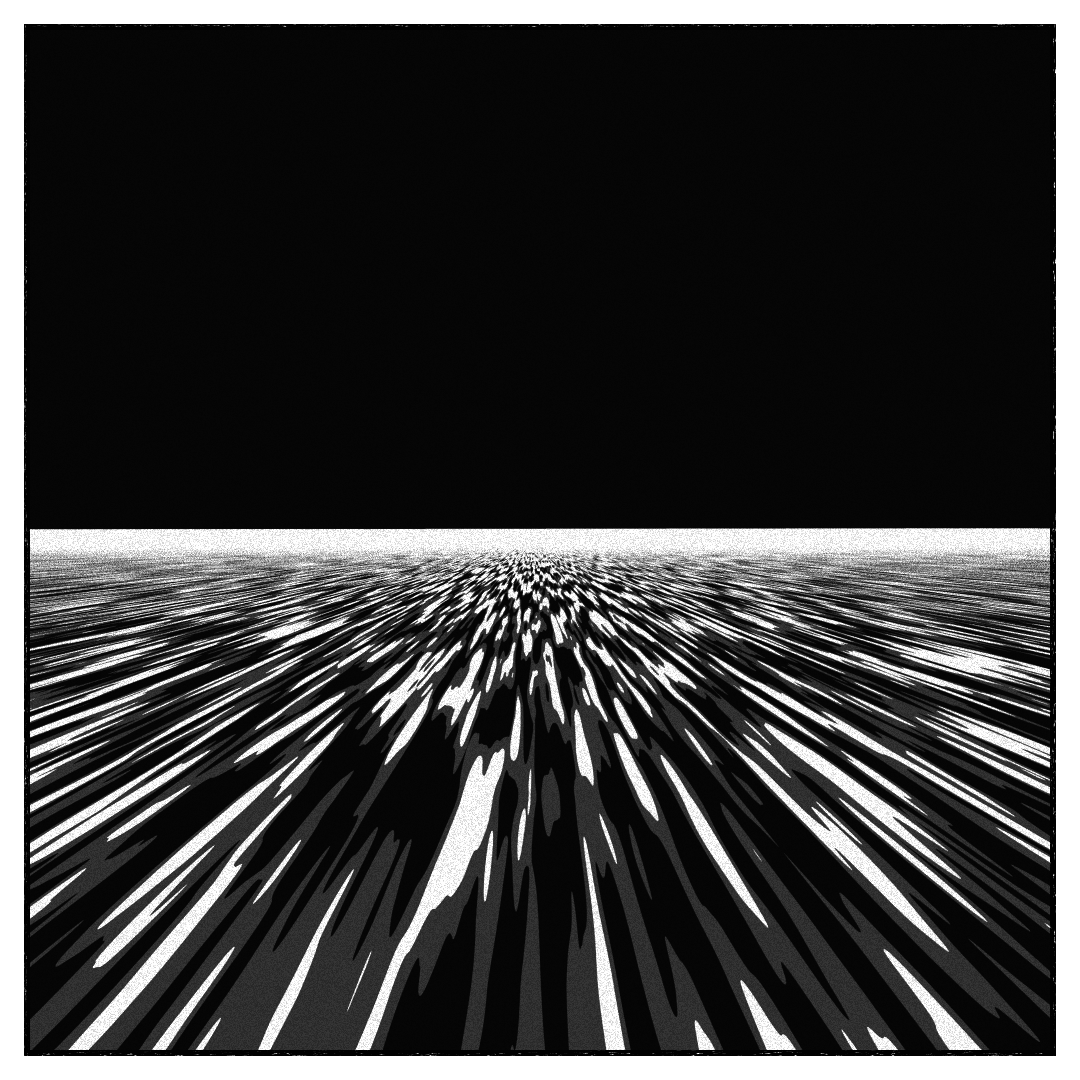
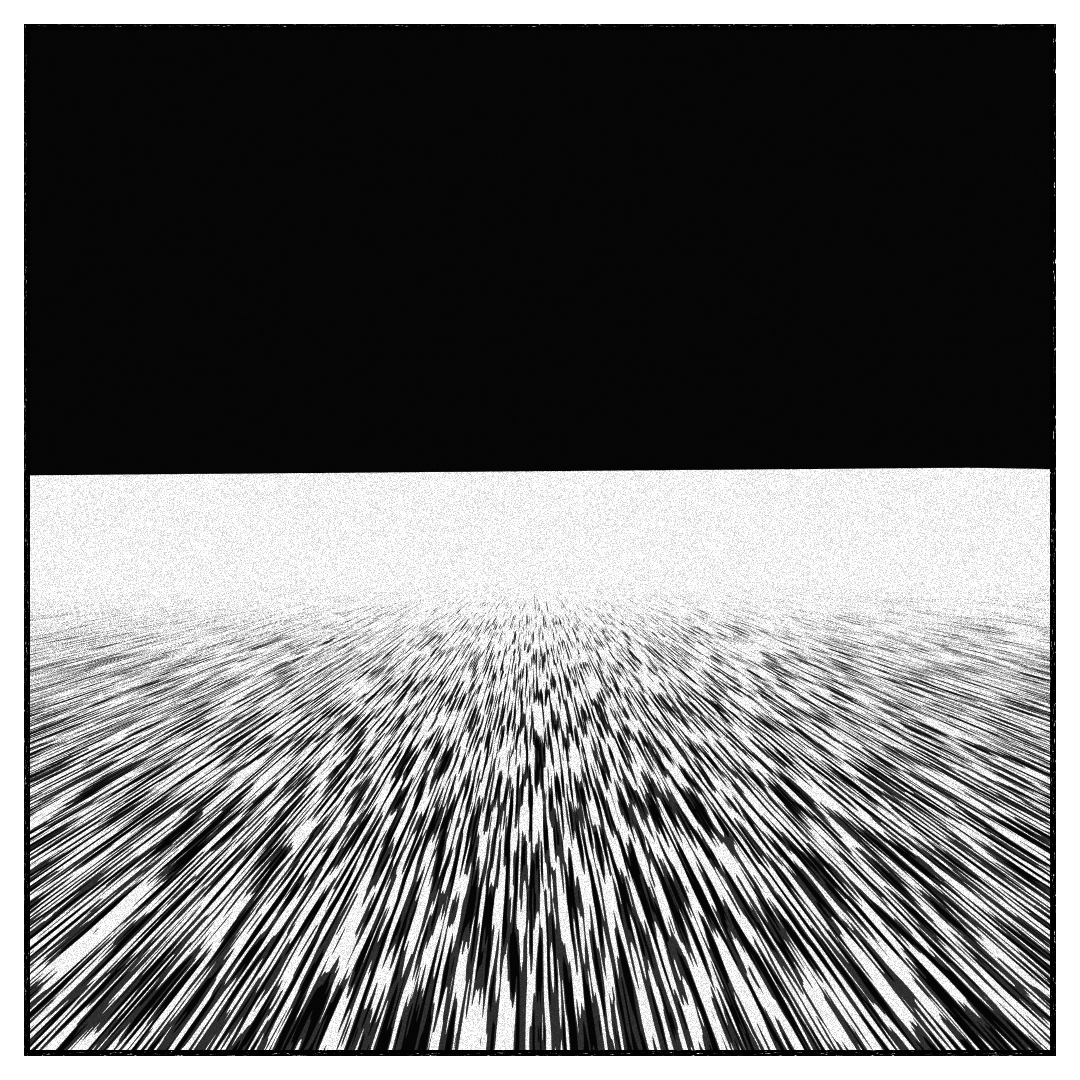
A simple quad with a cel-shading similar to the one applied to the sky. Here the normals are shifted along another noise’s derivatives ( noise derivatives ) to produced the speed lines with the lighting.
Thinking about it I should probably just have used the fragment’s color and not the normal, that would be cheaper.
Clouds
The clouds are composed of various “2d” layers of 2 main type of generated meshes, both defined as sections of the interior of a tube, as a quad strip : 3 big one that go from the ground to decreasing heights, and 50 to 150 smaller one that float around. They’re each defined by their own noise, controlling their height.
They’re place is in the background, so they’re just detailed enough to look good from afar. The length of each cloud is influenced by their position : the ones to the sides are longer than the ones towards the center, to reinforce the perspective effect.
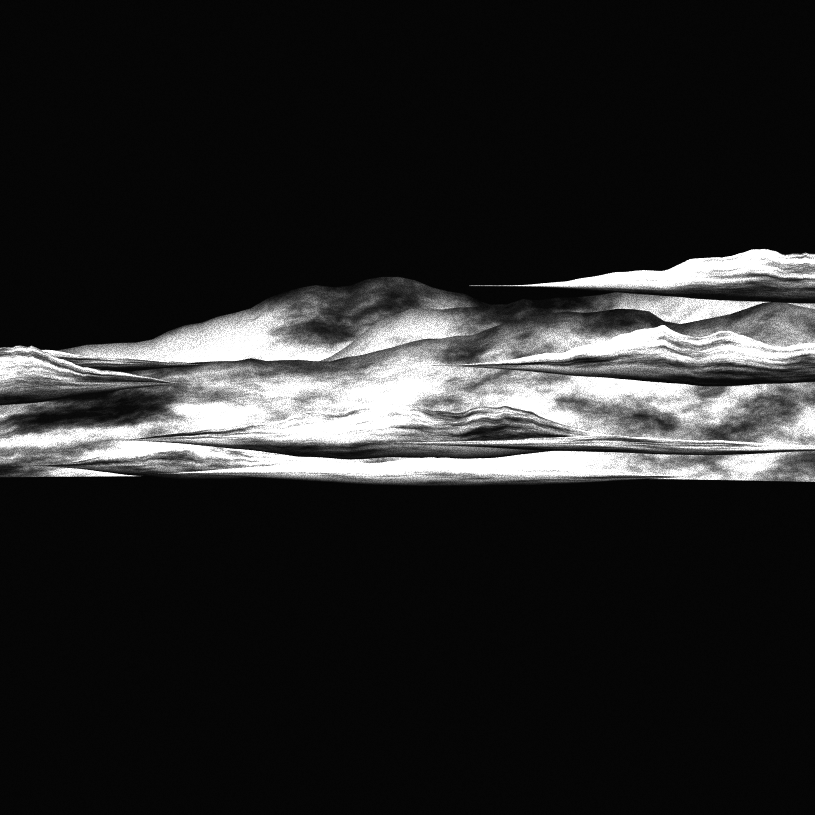
The 3 big ones are of decreasing radii and have a fixed position. The smaller ones are distributed at decreasing radii from the back of the scene, in small decrements, to hopefully prevent any z-sorting issue.
Explosion
The explosion is first defined by general “size”, parameter reflected in the “Time” feature on fxhash.
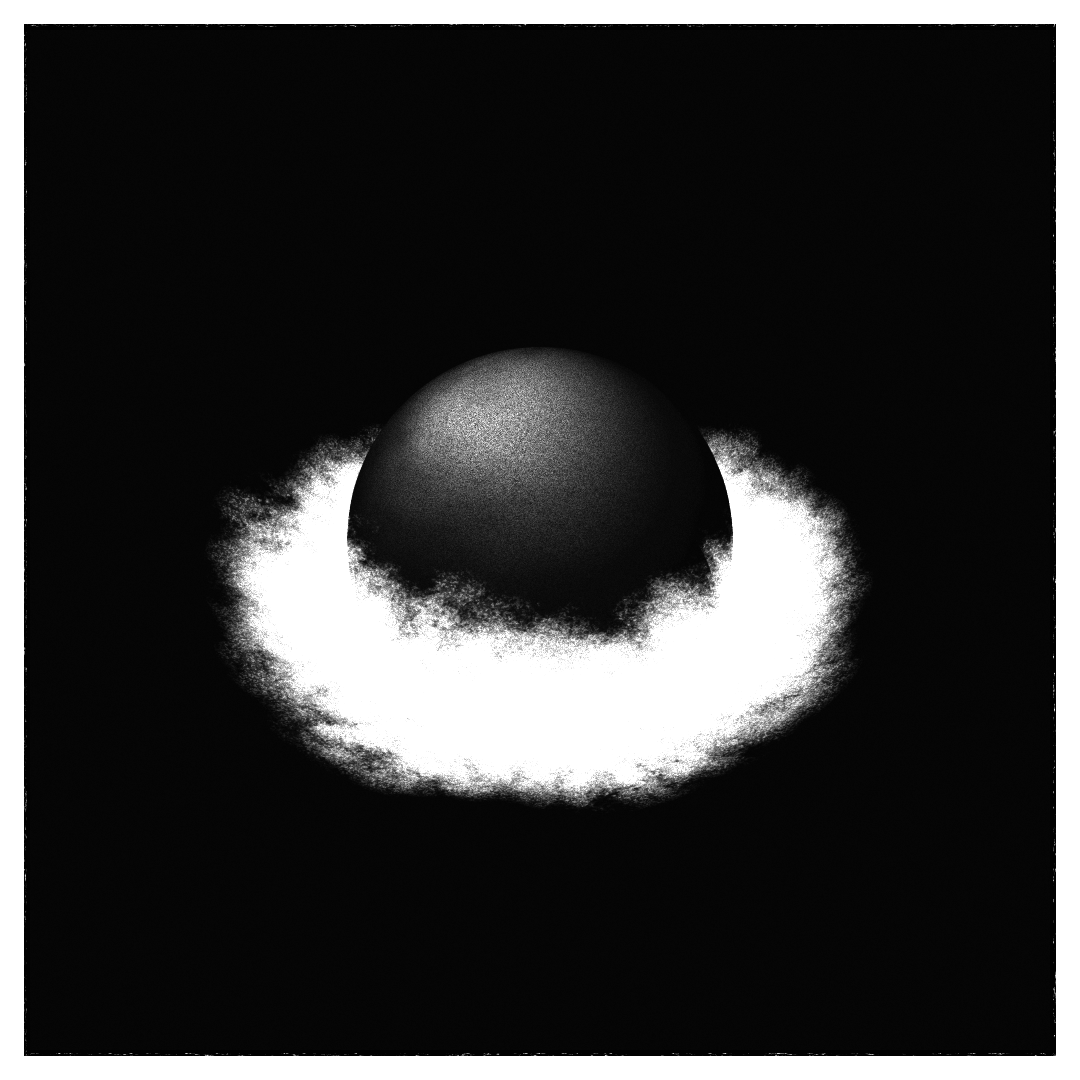
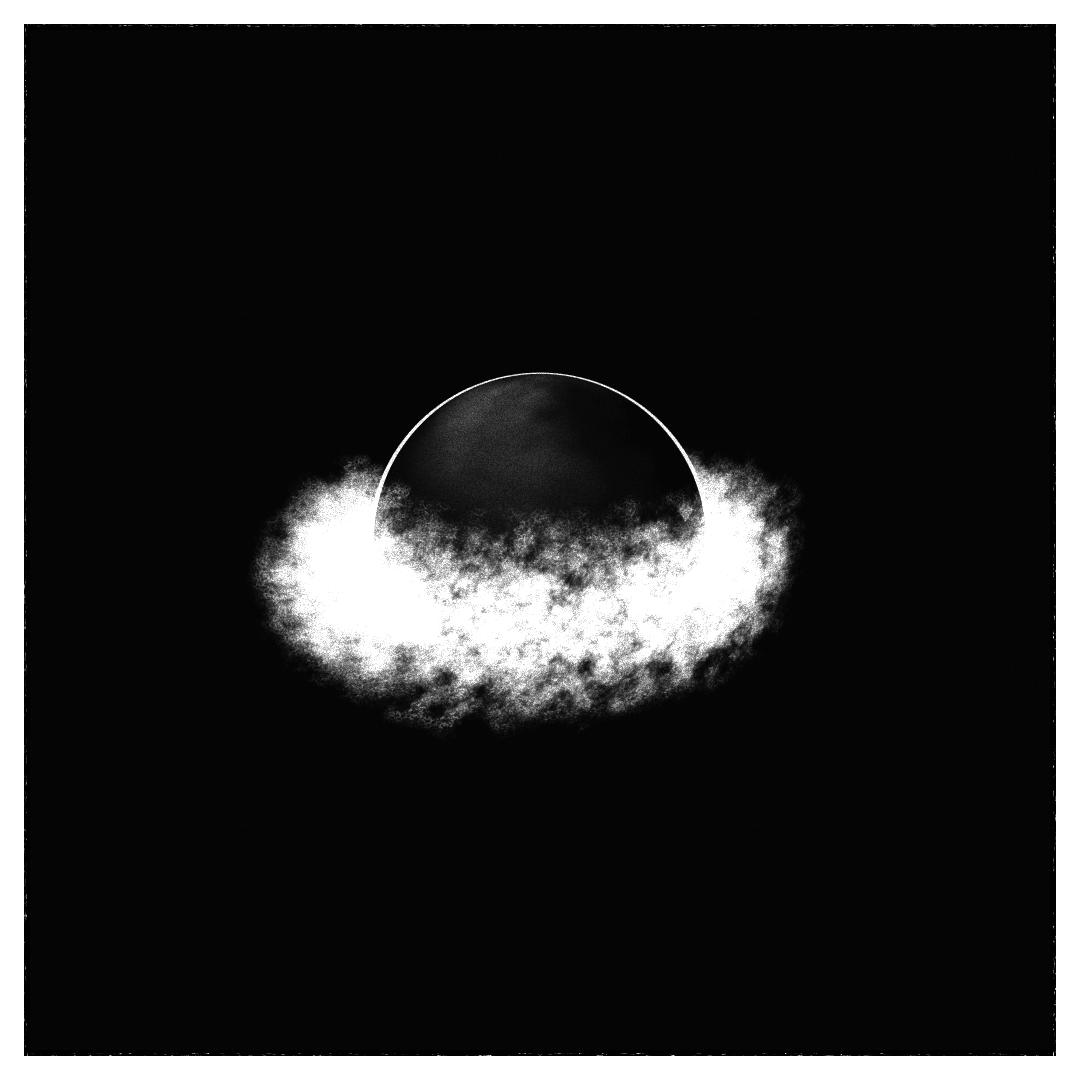
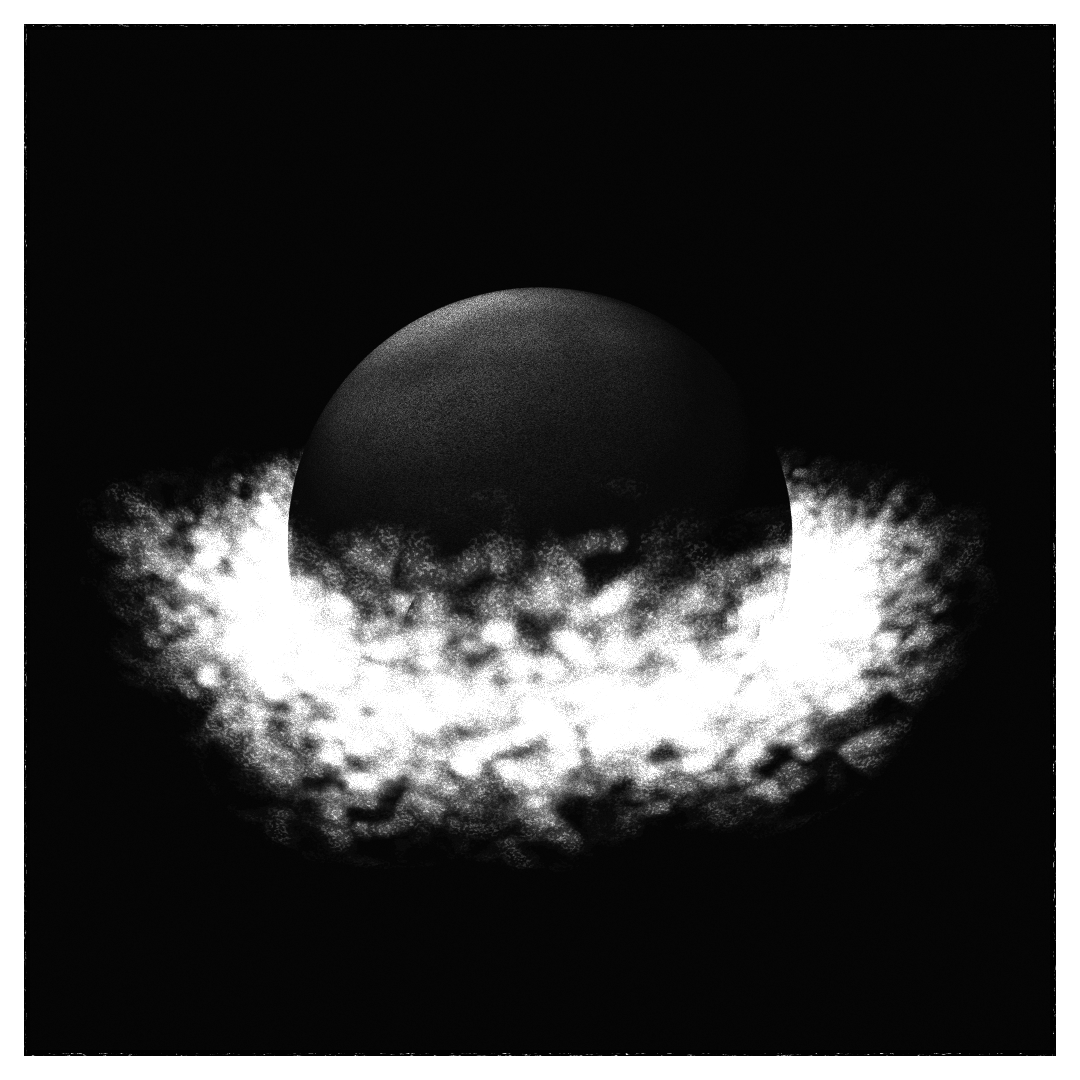
It is composed of three parts :
- First a standard half-sphere for the main body
- A half circle slightly larger and deformed for the outline
- 200 quads for the dust effect
The size parameter influence the size of the sphere, the placement of the dust, and the spread of the various debris.
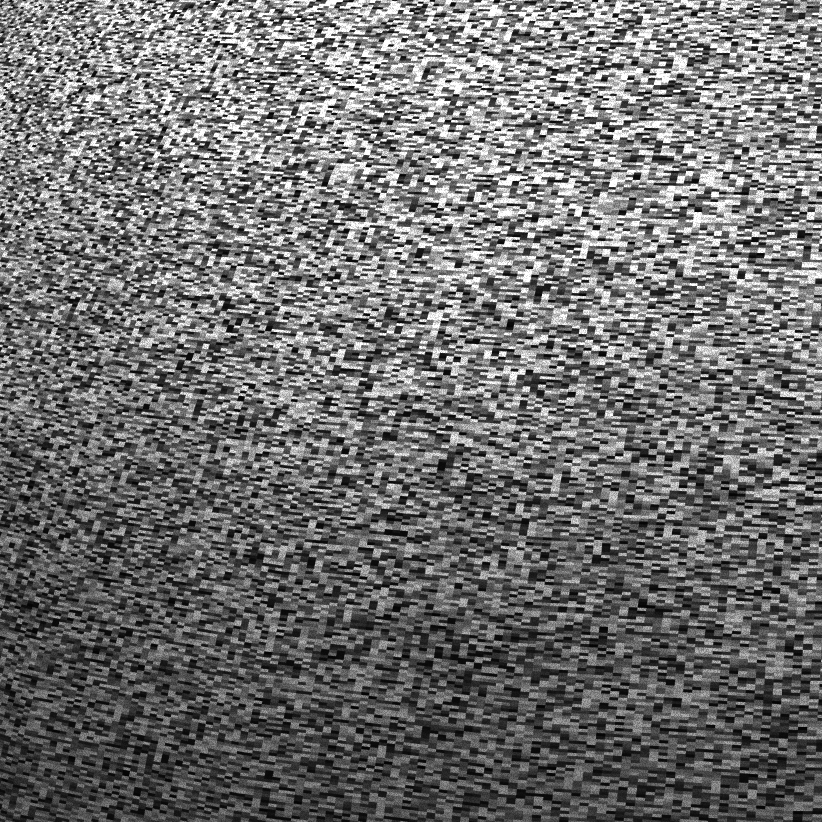
The half-sphere uses a custom shader, not using the main light at all. Instead, a fake lighting is produced on the top, coming from a fixed point, but the pattern produced is defined by first a very heavy noise, then another gentler fmb noise of varying parameters. It produces some subtle variety. Another option used in some palettes is to have inverted colors.
The half-circle halo always looks toward the camera. Its placement and the fov of the camera make it show or diseapear depending on the seed. Not exactly what I had in mind when starting, but it stayed, being interesting in it own right.
The dust is particles-like, but using quads rather than GL_POINT and GL_PointSize after having some compatibility problem on some computers on Visa To the Stars.
The particles display yet another noise, each particle having the same general parameters for the noise generation, but each having its own offset. The noise ranges from fluffy to wispy depeding on the seed.
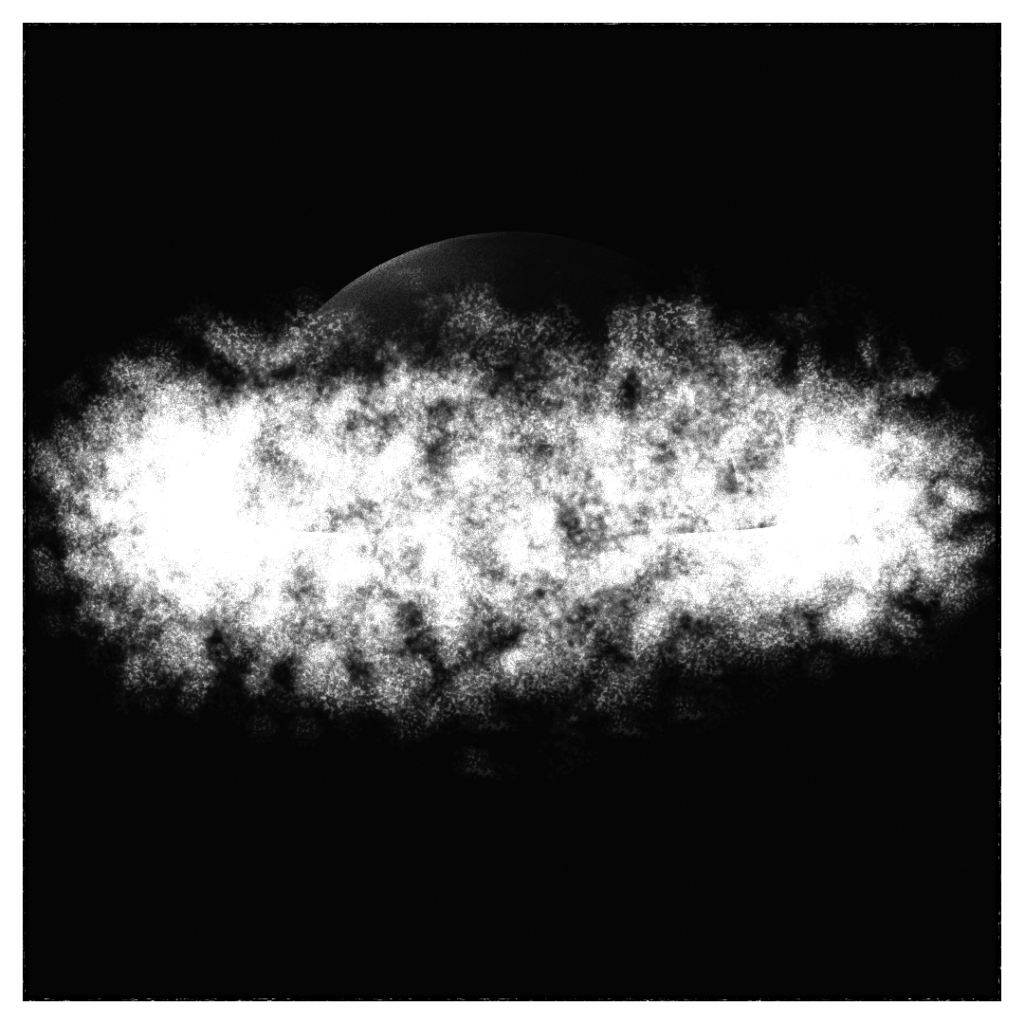
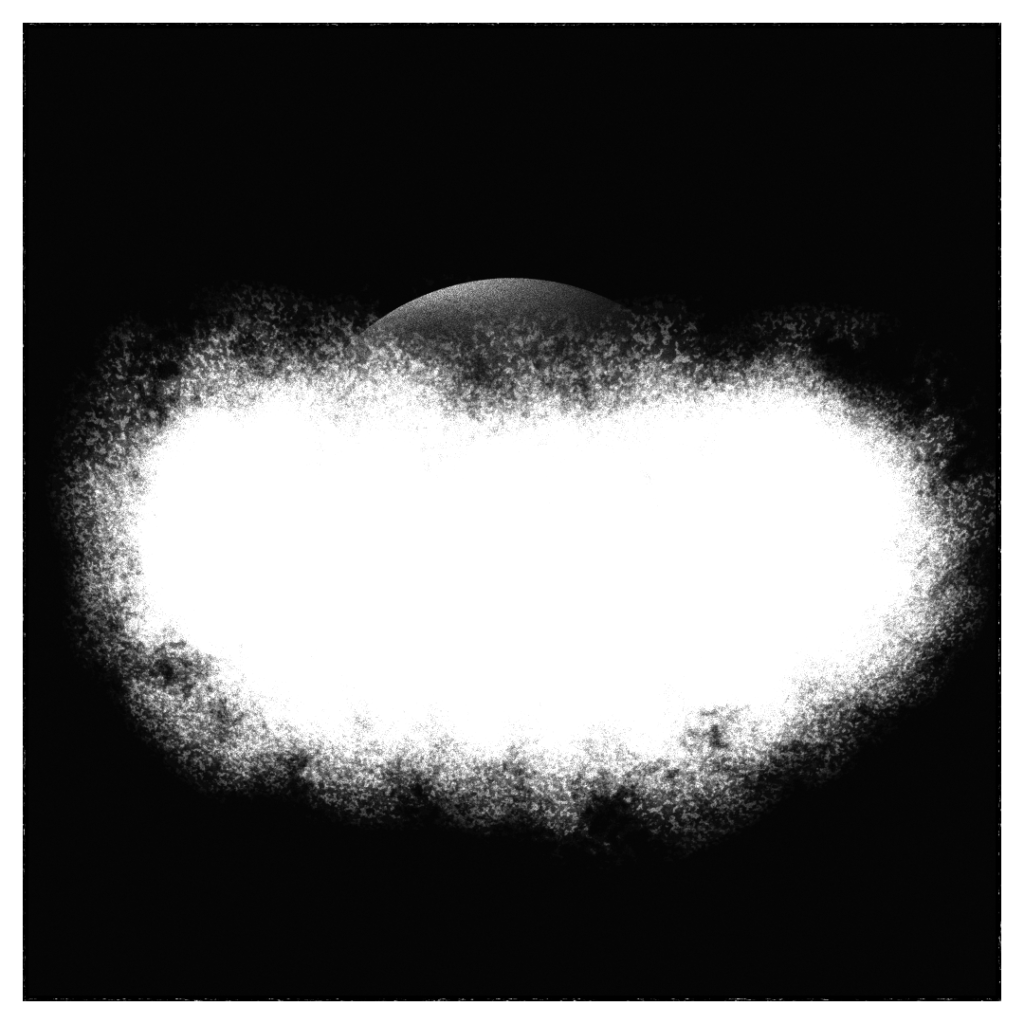
The dust is placed around the sphere, towards the front, from the ground up to a height dependent on the general size of the explosion.
Once generated, the quads are merged in a single geometry for performances.
They’re the only element (of the geometry) of the composition blended additively.
Debris

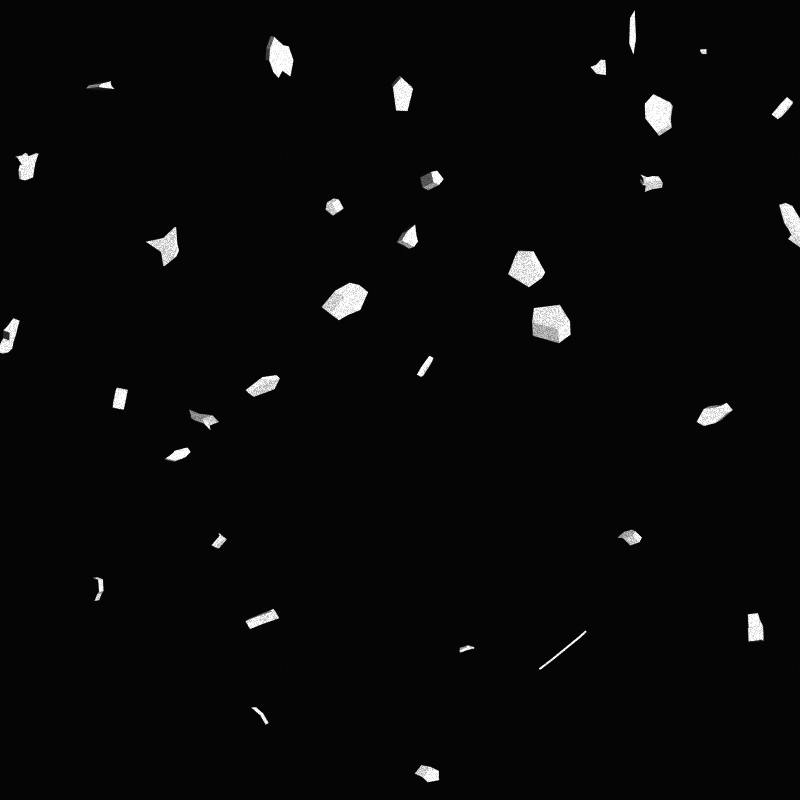
Each seed generates a set of 8 debris geometries. The procedure is simple but sufficient :
Pick a number of points from 6 to 12. Semi-uniformally along the perimeter of an ellipse for this number, add a point on the ellipse plus some jitter and some accidents. Then extrude the shape.
Then, picking randomely among these height bases, meshes are generated :
First a hundred are created between the sky and the explosion, distributed along a very noisy spiral. Then 600 more are placed around the explosion, at a distance varying with its size.
Like the dust, the rock geometry is merged into one mesh for the ones on top of the explosion, and another one for the ones around.
Buildings
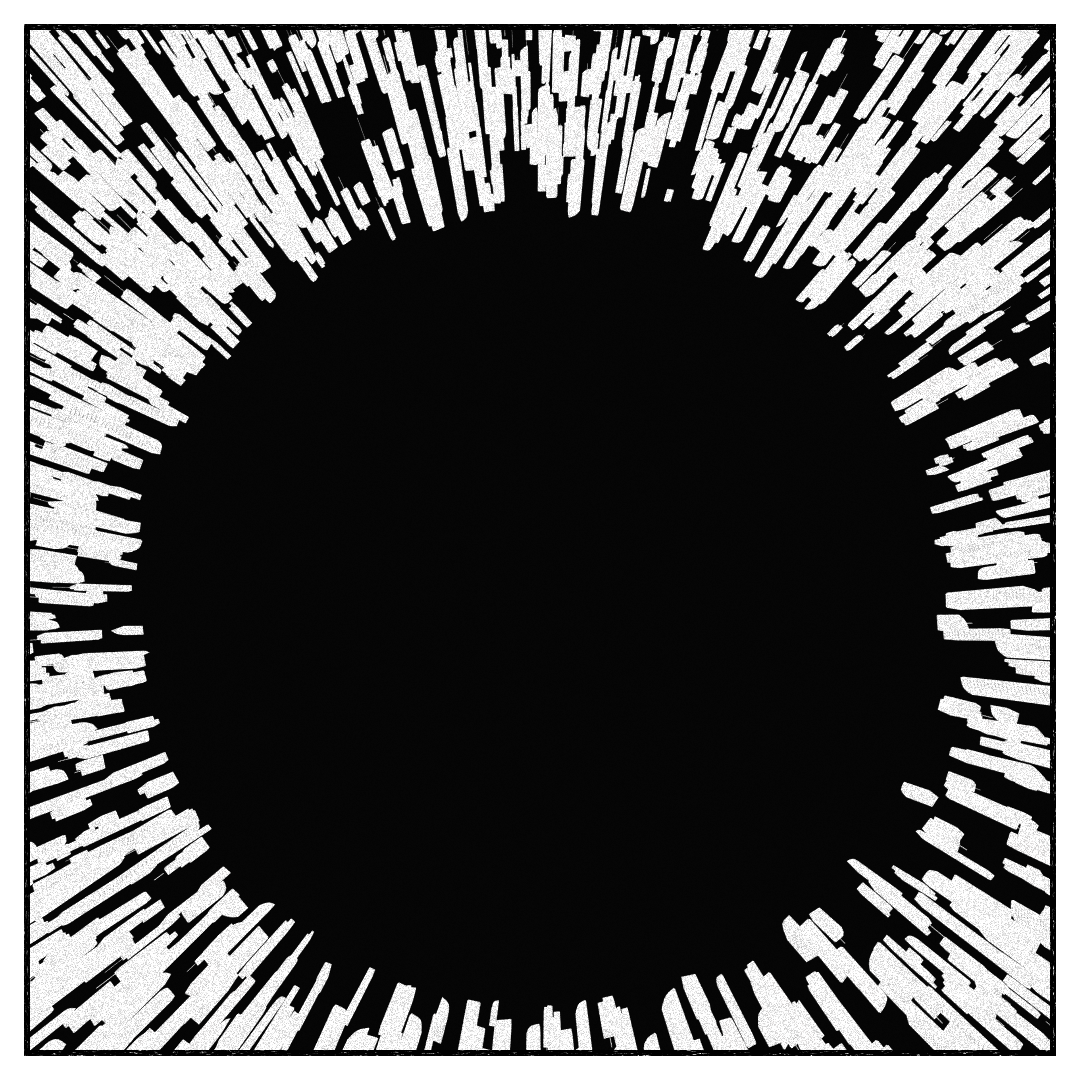
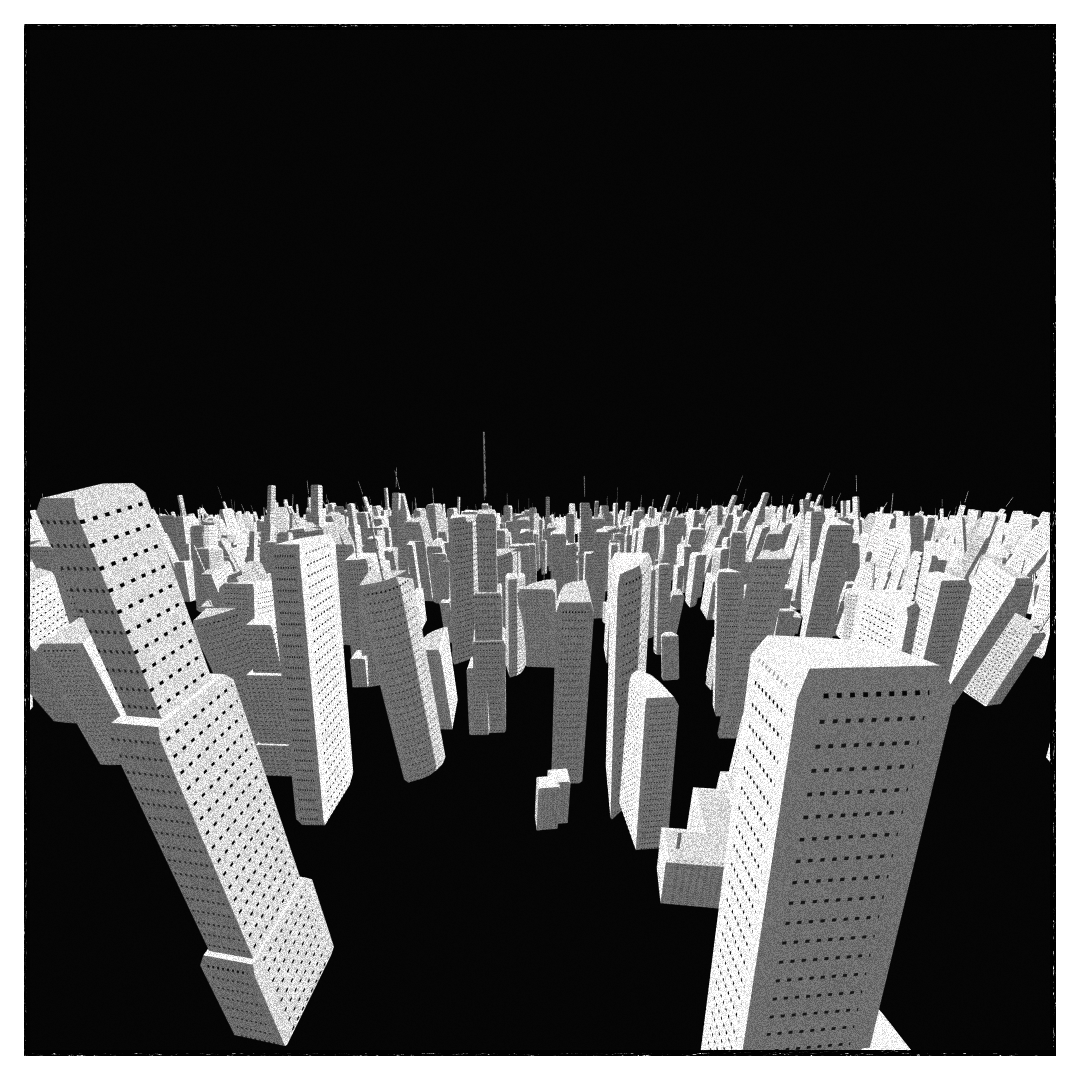
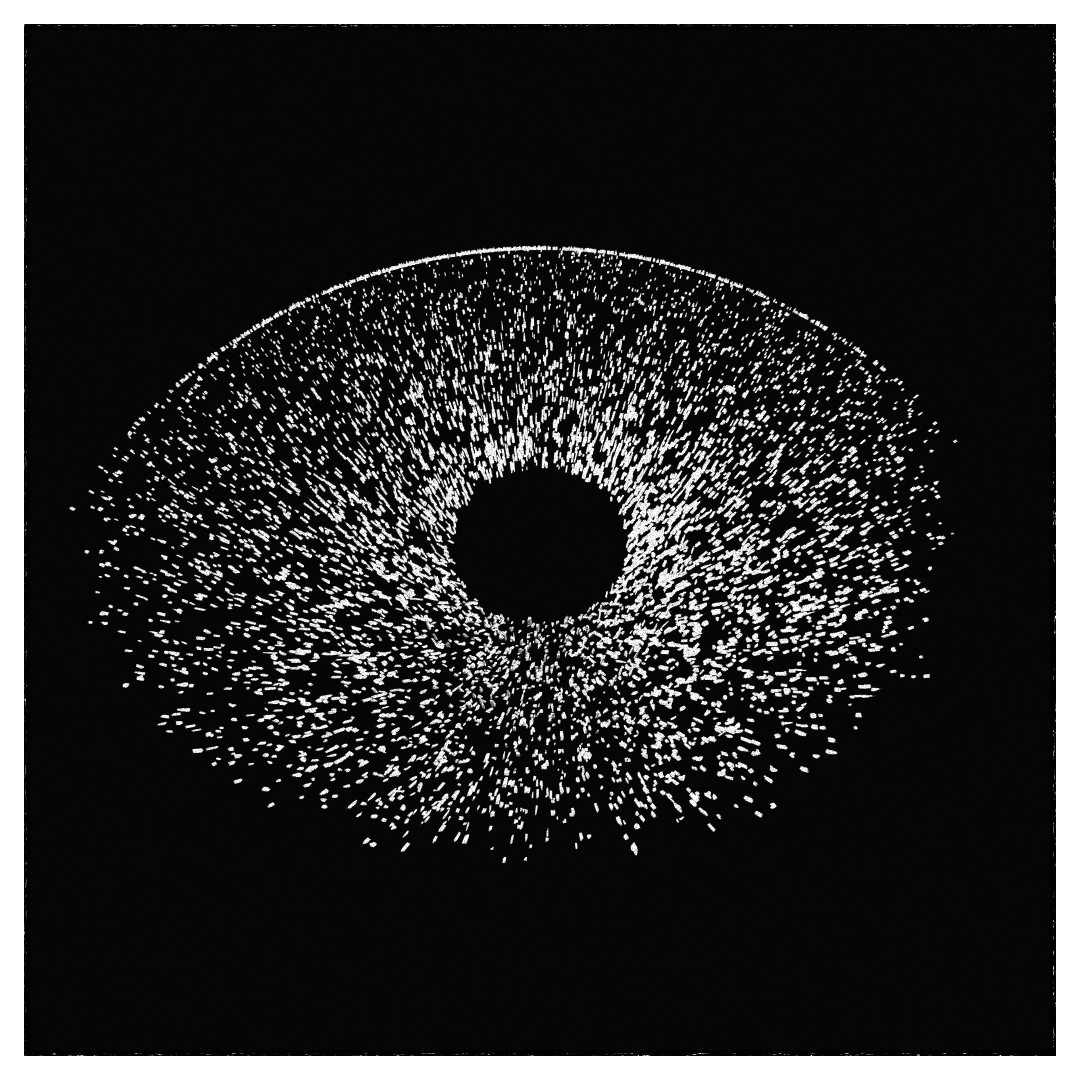
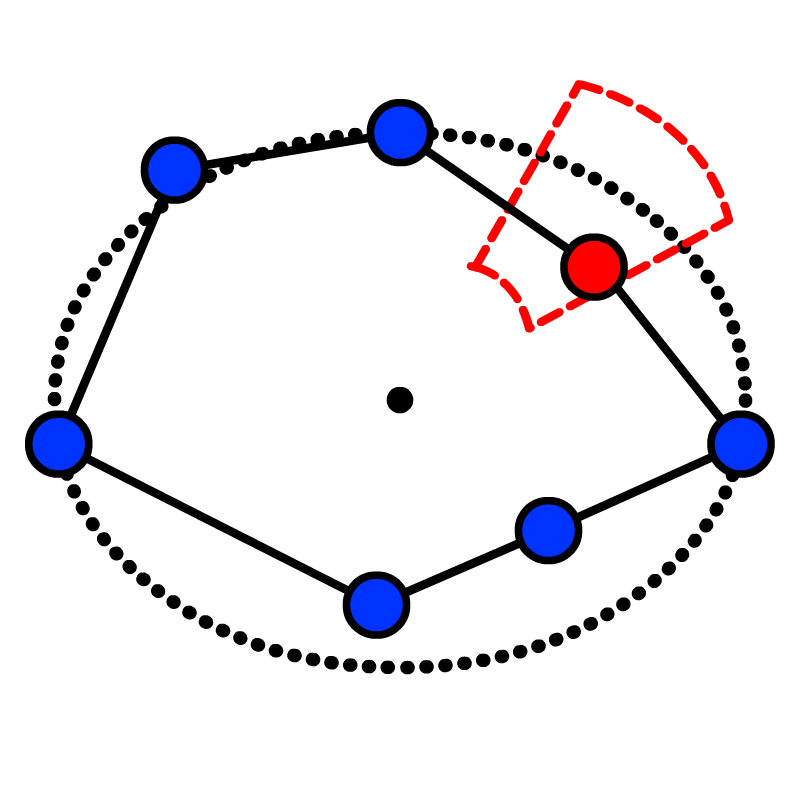
Similar to the debris, a set of 16 unique buildings is generated. Each building picks among five procedures, four of wich consist of drawing a simple floorplan, then extruding with a bevel. The other is 3 stacked beveled boxes.
The floorplan are normalized, with the positions/alignment of some points/curves being random (in red) :
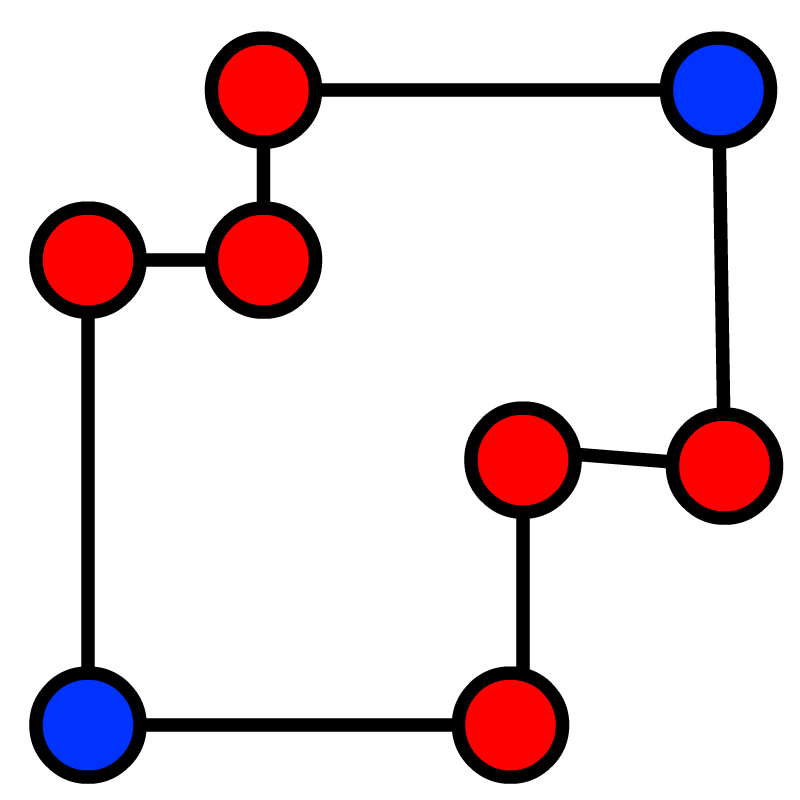

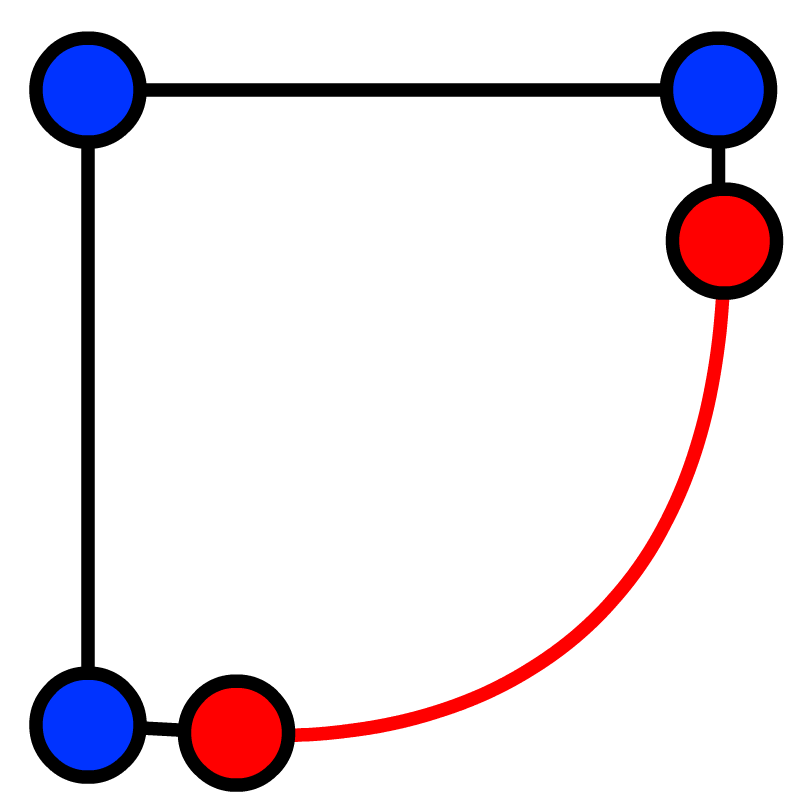

Some of those procedures also generates antennas randomly on the roofs.
Then, from these 16 bases, between 3 000 and 10 000 buildings are generated on the scene, again radially around the explosion,, with some tuning when near the camera and around the cloud layers, and some rules in the distrubution to slightly favor the appearance of empty corridors.
I like both the higher density because of the chaos that ensues, and the low density because it reaveals more speed lines on the ground and interplay with their shadows. So the range is very wide on that parameter (“City density” in the features).
One weird thing is that all the buldings are facing the explosion wich makes no sense, but I liked the order (and the destruction of that order) it brings.
Same as the rest, the buildings are merged for performances.
The shading on the building is again a custom 3-tone Toon shader, with some slightly noisy lines/dots on vertical faces to simulate windows. Again, the aim is to look good from a certain distance and in the general chaos, not from up close.
Frame
The frame is rendered in its seperate scene with an orthographic camera for easier placement. Composed of 4 white quads and 4 black ones, their sizes and placement varying with the dynamic aspect ratio.
The black part of the frame has a custom shader, with a very slight noise applied to add some imperfections. Not really going for a paper texture, just some subtle humanizing.
Post-processing
First the main scene and the frame are render with some super sampling anti-aliasing, a very slightly customized version of the one from three.js to accomodate the rendering of the frame.
A static and quite heavy filmic grain is applied on the overall picture to add some texture.
Color palettes
The various colors used are defined in hand-tuned palettes structured like this :
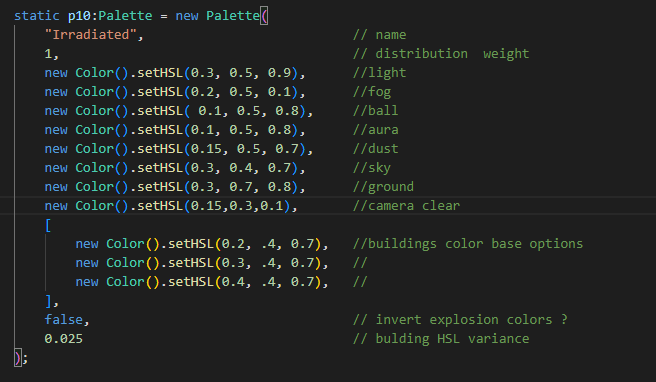
I ended up implimenting 19 of them, with a lot of variations of black& white, then reds, then desaturated tones, and then some fun ones. Here they are :